In the world of the cloud most devices now magically auto-update. We’re used to devices like Amazon Echo and Google Nest just being up to date, but how about an organisations phones?
This option is now coming to Microsoft Teams.
The Teams Admin Center enables management and updating of Microsoft Teams IP Phones today. For each update, an administrator has to approve it and either push it straight away or schedule the update.
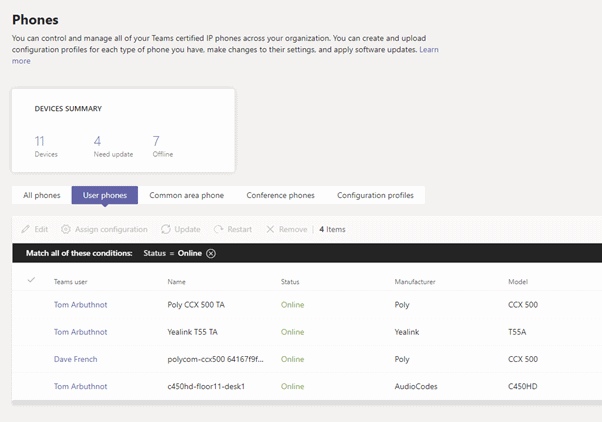
Now Microsoft is going to provide the capability for Microsoft Teams IP Phones to automatically receive and apply the latest update, without the need to manually push it from the Teams Admin center.
IT Admins can change auto-update settings on Teams admin centre to define the auto-update behaviour for each device individually.

Roadmap feature ID 63775
[…] Read More – Original Source […]
Hi Tom,
how are firmwares added to the admin.teams.microsoft.com/devices/ipphones list?
We are using POLY TRIO8800 phones and the “new” firmware available is older than the one installed.
Olivier (from France)