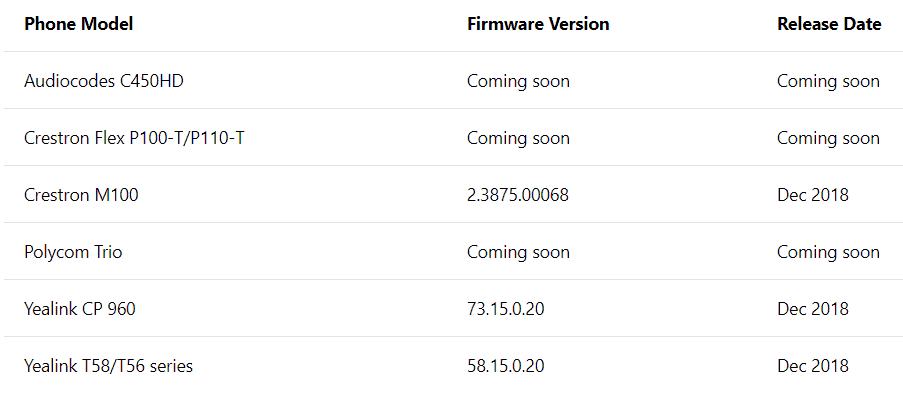
It’s official, both on the Microsoft documentation and the Yealink website, Yealink phones are the first generally available IP Phones Microsoft Teams. From the Microsoft documentation, it also looks like the Crestron M100 is GA, with more Crestron phones coming soon.
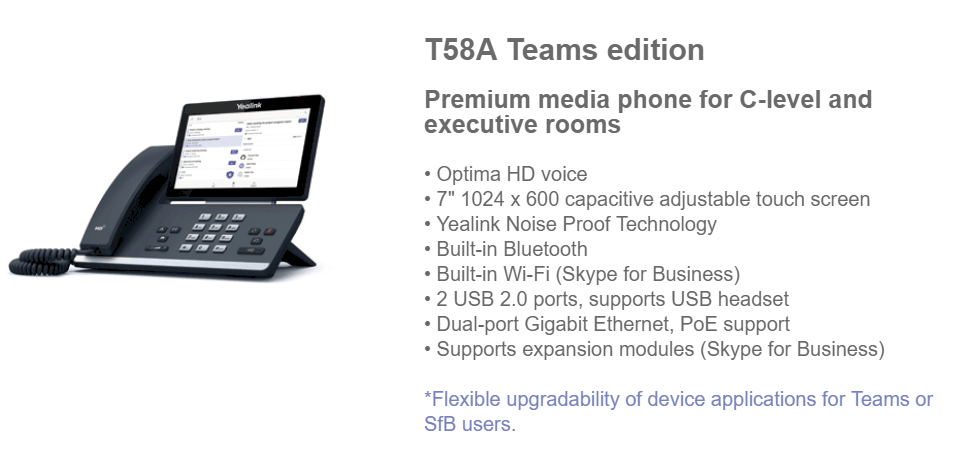
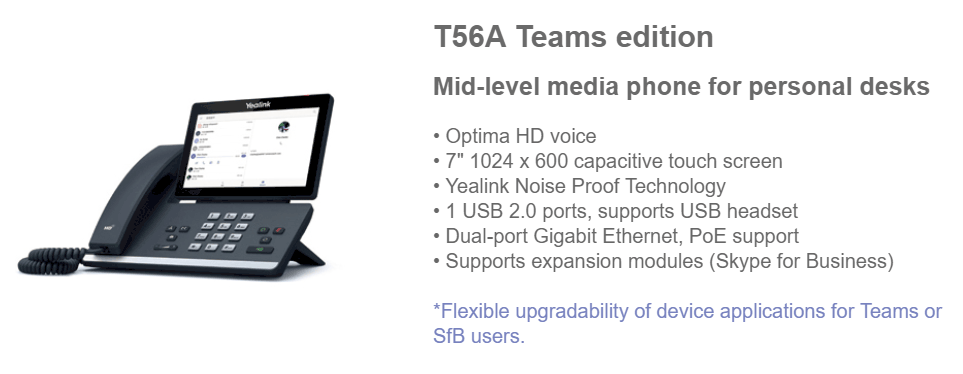

Firmware and admin guides are available on the Yealink site:
- T58A Teams: http://support.yealink.com/documentFront/forwardToDocumentDetailPage?documentId=261
- T56A Teams: http://support.yealink.com/documentFront/forwardToDocumentDetailPage?documentId=262
- CP960 Teams http://support.yealink.com/documentFront/forwardToDocumentDetailPage?documentId=260
Teams Phone user experience
From Microsoft documentation, User sign-in with credentials
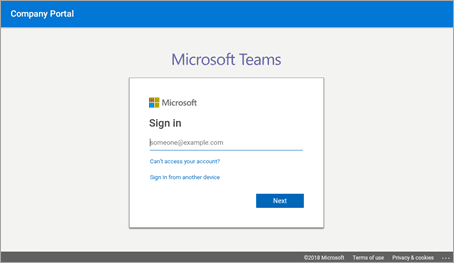
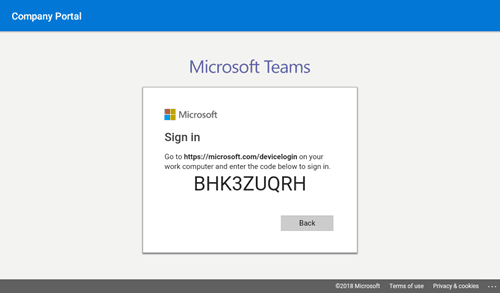
User sign-in via PC/smartphone
Personal/shared mode
After successful sign-in, the user can choose whether the device will be used for personal use or in a shared conference room.

The Teams phone experience is optimized based on the user’s selection.
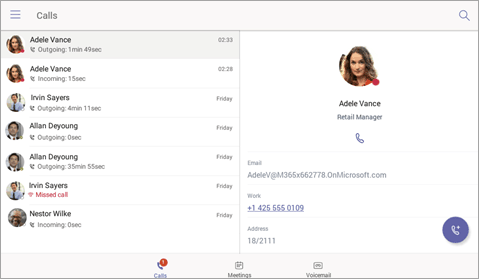
Personal mode
Shared mode
Calling experience
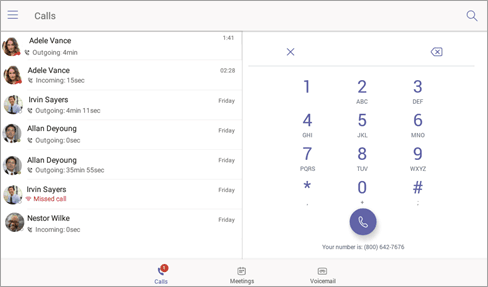
The Microsoft Teams user can lift the handset or press the speaker button to launch the dial pad on the calling screen. Alternatively, the user can use the hardware buttons (if available) to dial out a number.
On-screen dial pad
Meeting experience
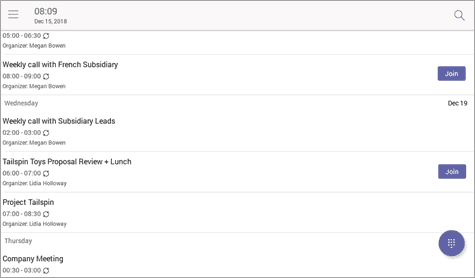
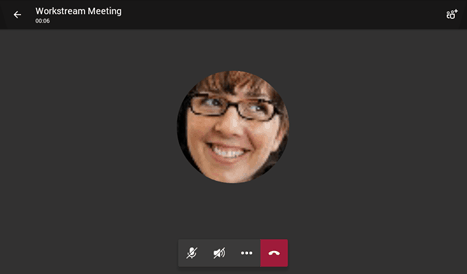
The Microsoft Teams user can navigate to the meetings tab to view their meetings and use the Join button to join their Teams meetings.
Calendar view

Meeting join view
Voicemail
The Microsoft Teams user can access their voicemail when they navigate to the Voicemail tab.

Feature list for desk phones and conference phones
| Features | Desk Phone (Personal Mode) | Conference Room Phone (Shared Mode) |
|---|---|---|
| Authentication | ||
| Sign in with user credentials | Yes | Yes |
| Sign in using PC/Smartphone | Yes | Yes |
| Modern Authentication | Yes | Yes |
| Phone lock/unlock | Yes | No |
| Calling | ||
| Incoming/Outgoing P2P calls | Yes | Yes |
| In-call controls via UI (Mute, hold/resume, transfer, end call) |
Yes | Yes |
| PSTN calls | Yes | Yes |
| Visual Voicemail | Yes | No |
| 911 support | Yes | Yes |
| Calendar and Presence |
||
| Calendar Access and Meeting Details | Yes | Yes |
| Presence Integration | Yes | Yes |
| Exchange Calendar Integration | Yes | Yes |
| Contact Picture Integration | Yes | Yes |
| Corporate Directory Access | Yes | Yes |
| Meetings | ||
| One-click Join for Meetings | Yes | Yes |
| Join Skype for Business meetings | Yes | Yes |
| Meeting Call controls (Mute/unmute, hold/resume, hang up, add/remove participant) |
Yes | Yes |
| Meeting Details | Yes | No |
More information:
Phones for Microsoft Teams https://docs.microsoft.com/en-us/MicrosoftTeams/phones-for-teams
Buying and deploying Microsoft Teams IP phones: https://docs.microsoft.com/en-us/MicrosoftTeams/buying-and-deploying-teams-ip-phones
Be First to Comment