
First talked about in March, Microsoft is now rolling out it’s AI-driven Microsoft Teams background noise suppression. Currently only in Microsoft Teams desktop app.
This feature will automatically remove unwelcome background noise during your call or meetings. AI-based noise suppression works by analyzing an individual’s audio feed and using specially trained deep neural networks to filter out the noise and retain only the speech signal.
As you get it (feature rollouts take some time, rollout expected to complete in mid-December), you will find it under device settings:
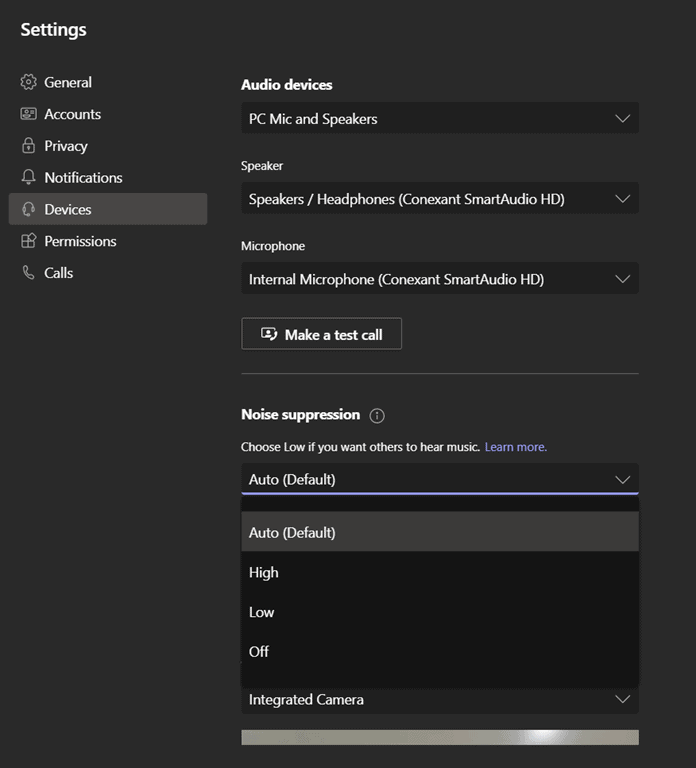
• Auto (default) The Teams app decides on the best level of noise suppression based on local noise.
• Low Suppresses low levels of persistent background noise, such as a computer fan or air conditioner. Use this setting for playing music.
• High Suppresses all background sound that isn’t speech.
Notes:
- For this option, your computer’s processor must support Advanced Vector Extensions 2 (AVX2).
- Enabling this option uses more computer resources.
• Off Noise suppression is disabled. Use this setting for high-fidelity microphones in low noise environments.
You can change this setting at any time. Once changed, the setting carries over to your next meeting or call.
The warning about processing and the fact that it is Windows Desktop only suggests this is all being done client-side.
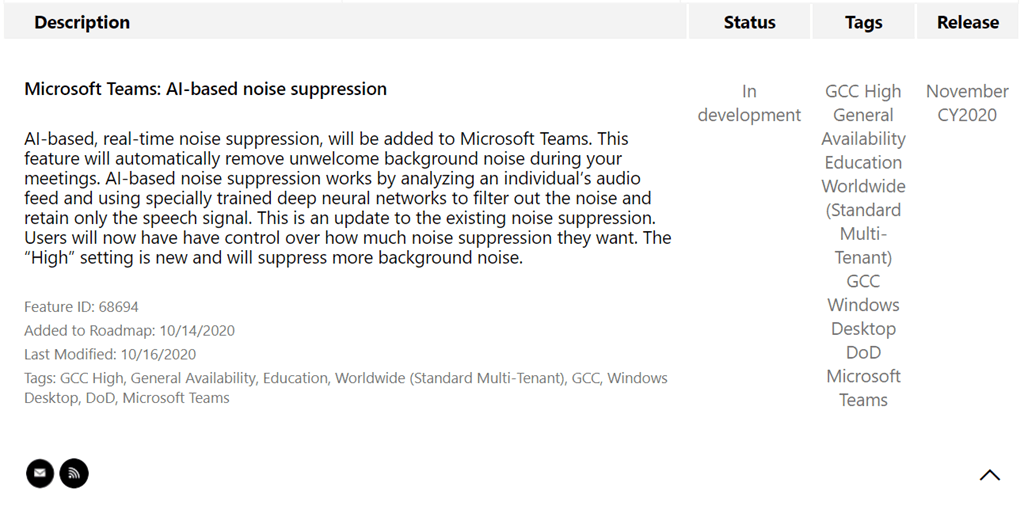
Roadmap Item 68694
Microsoft documentation: Reduce background noise in Teams meetings
[…] lot of innovation has been happening in the voice processing field, like Microsoft’s AI Background noise suppression, which uses a trained neural network to recognize background noise; Polycom Acoustic Fence […]
[…] mitigating the impact of these occurrences with their noise suppression feature. Microsoft first implemented noise suppression in its Stream application in 2019 and in March of 2020, Microsoft announced that […]
[…] lot of innovation has been happening in the voice processing field, like Microsoft’s AI Background noise suppression, which uses a trained neural network to recognize background noise; Polycom Acoustic Fence […]