Microsoft recently posted a great September update summary blog. Here is a quick rundown of the top 5 new features
Meet Now

Not a feature I used a lot in Skype for Business, but the Meet Now button generates and drops you straight into a meeting, you can then add others or share the join details
Pin a meeting participant to keep then in your personal view
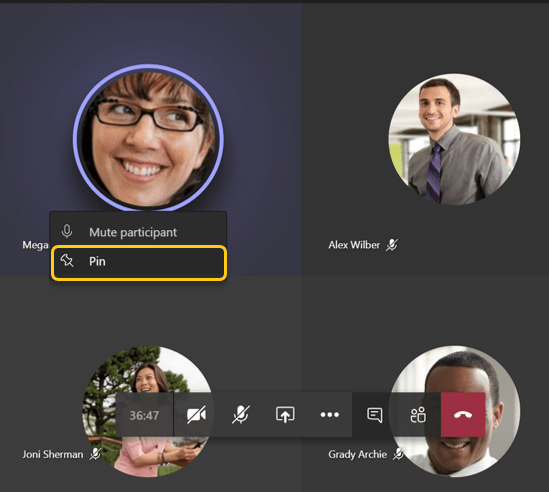
By default Microsoft Teams dynamically puts the active speakers in the 2×2 meeting layout, but if you want to personally keep someone on the screen you can now right click and pin them. This affects your view, not the entire meeting
Chrome browser now has PSTN and VoIP Calling
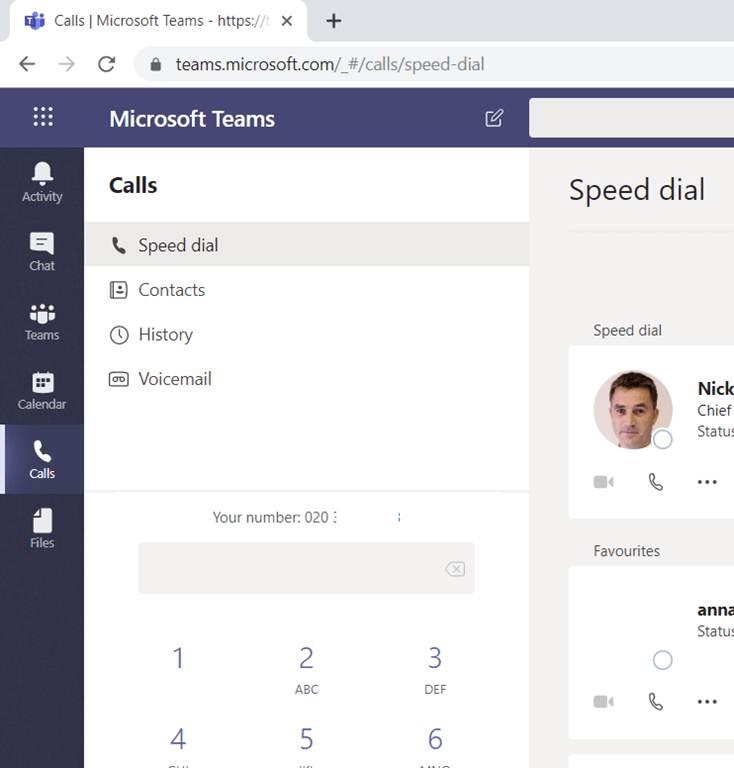
For a long while, you have been able to join meetings in chrome without a plugin, now you can do VoIP and PSTN calls with the calling app, right from within Chrome (and Chromium Edge if you try)
Filter your chats by name or subject
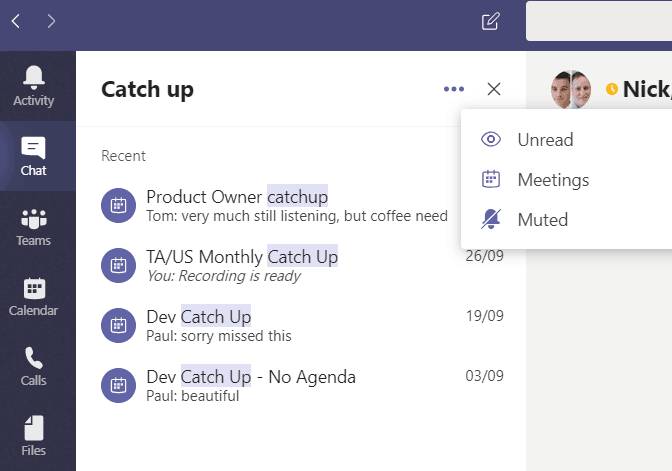
Turn on or off notifications for a specific channel thread

You can now turn off notifications for a particular thread, or turn them on for a thread you have not engaged in, or for a specific thread in a channel you have otherwise muted.
Just hit the three dots at the top right of the first message in the thread
If I am not mistaken there was that limitation for web based PSTN calling that you cannot use mediabypass enabled on your SBC. Is still that case, right? Looking forward when full ICE will be available also on SBC side…
Yes that is right. Might be an important consideration for some.
“By default Microsoft Teams dynamically puts the active speakers in the 4×4 meeting layout” – that would be awesome, but unfortunately it’s still just 2×2 ;) By the way, any rumors about custom video layouts?
Good catch thanks! I have edited.
Bigger numbers of video concurrently were demo’d at EC but no ETA yet: https://tomtalks.blog/2019/03/8-new-microsoft-teams-features-from-enterprise-connect-2019/