Quick tip for LogMeIn Hamachi, when it installs it will sometimes block your internet connection, here is how to fix it
On the Hamachi Network interface
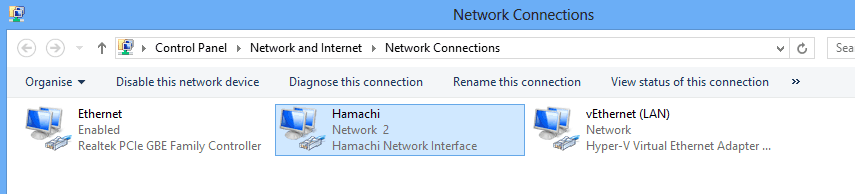
IPv4 / Properties / Advanced / Default Gateways / Edit
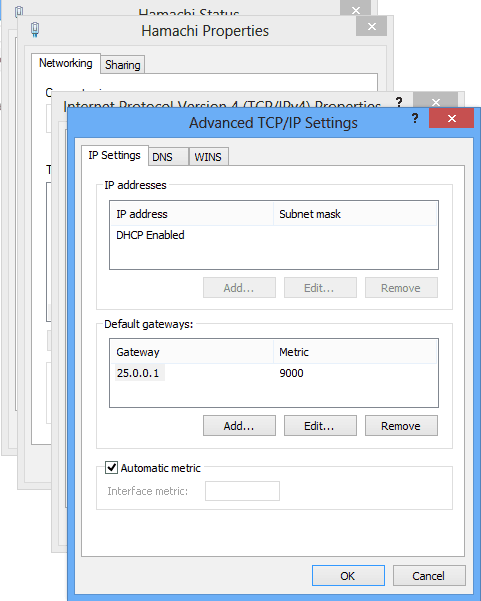
Set the metric from “Automatic” to “9000” or something suitably high

This should stop the computer using it as the default gateway and so blocking the internet connection.
I dont have the hamachi connection, what im suppose to do?
This could be one of many issues then. Probably best to start a technet thread or talk to your IT support. Thanks