I spend a good amount of time traveling/working from my phone, an iPhone. By default the iPhone will sync your Exchange personal contact list but not your global address list (GAL).
Here is a quick way to copy the GAL to your persona contact list and therefore have everyone in your contact list.
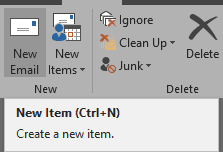
Go to new email in Outlook
Click To
![clip_image001[4]](https://tomtalks.blog/wp-content/uploads/2017/05/clip_image0014.png "clip_image001[4]")
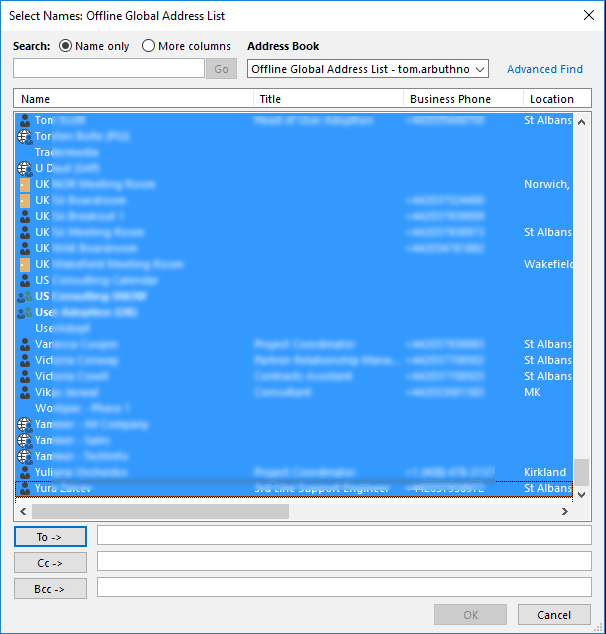
In the contact list, filter by users and select all
![clip_image001[8]](https://tomtalks.blog/wp-content/uploads/2017/05/clip_image0018.png "clip_image001[8]")
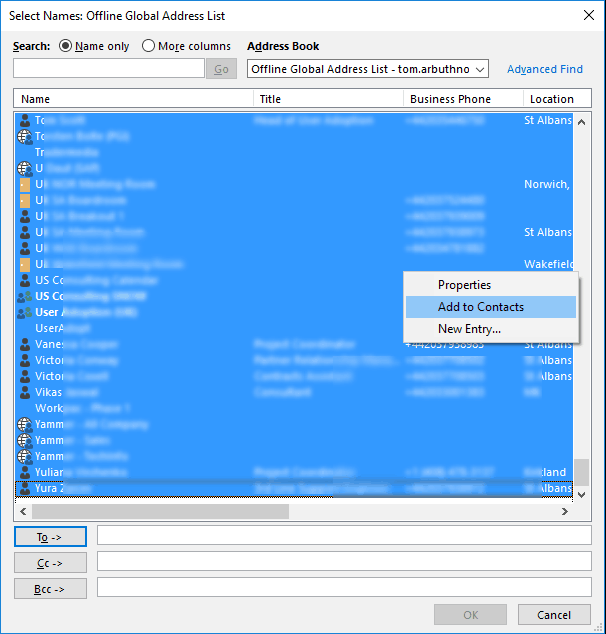
Right click and “Add to contacts”
Update or update all to reflect changes

Hi Tom, this is usefull. Thanks! Do you have a tip to quickly add members of a distribution group to the contact list as well?
Good question. I’m now aware of a method to do that.
Great tip. Very useful. Thanks