I’m fortunate to get to play with and test lots of Teams devices, and this is a feature that makes life so much easier. In the latest firmware, Microsoft has put the feature front and centre as the default way to log in to Teams Phones.
You sometimes see this login method on things like Amazon Fire TV, Netflix and BBC iPlayer in the UK.
Rather than making you input your often long username/UPN (email address) and Password directly into the device with its limited keyboard input, the device gives a code you can input into a browser to login to the Phone.
Meaning you can do it on your PC or mobile with easier input and probably, the username and password already saved.
You can still sign in directly to the device with your UPN and password if you prefer.
When the phone first boots or is not logged in you will see this screen. The code is time-sensitive, when it times out you will see a “Refresh Code” button
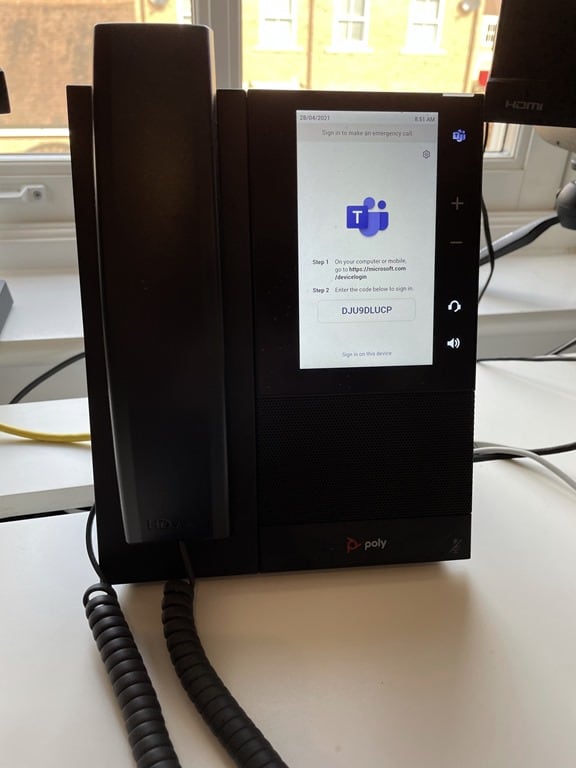

Then on any device with a browser, you go to https://microsoft.com/devicelogin


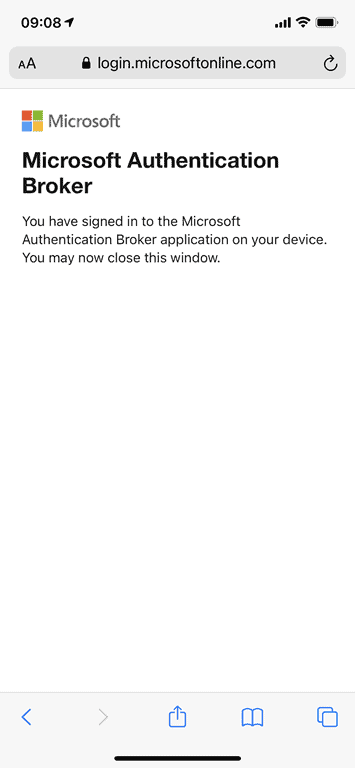
And your phone will sign itself in (flashing through a few sign-in screens)

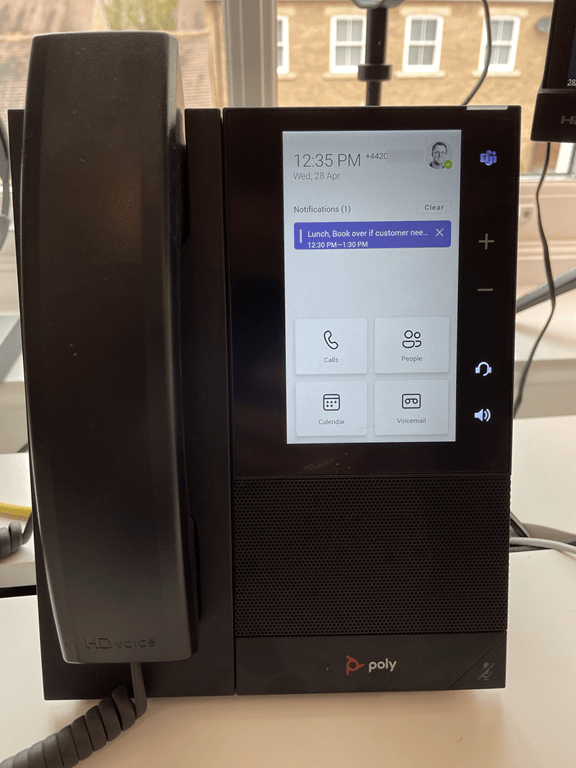
A really nice usability feature.
[…] I’m fortunate to get to play with and test lots of Teams devices, and this is a feature that makes life so much easier. In the latest firmware, Microsoft has put the feature front and centre as the default way to log in to Teams Phones. You sometimes see this login method on things like… — Read on tomtalks.blog/2021/04/microsoft-teams-phone-login-via-simple-code-input-into-any-browser/ […]