Looks like this is now rolled out to Skype for Business Online. A much prettier experience. Before you ask still no WebRTC/plugin-less join, we’re seeing WebRTC/ORTC progress on the Skype consumer side, hopefully, this makes it’s way to Skype for Business soon.
Update 18/10/2017: We heard at Microsoft Ignite 2017 that WebRTC/plugin-less meeting join is coming to Microsoft Teams but unlikely to come to Skype for Business, check out tom.qa/MicrosoftTeamsRoadmapBlog for more
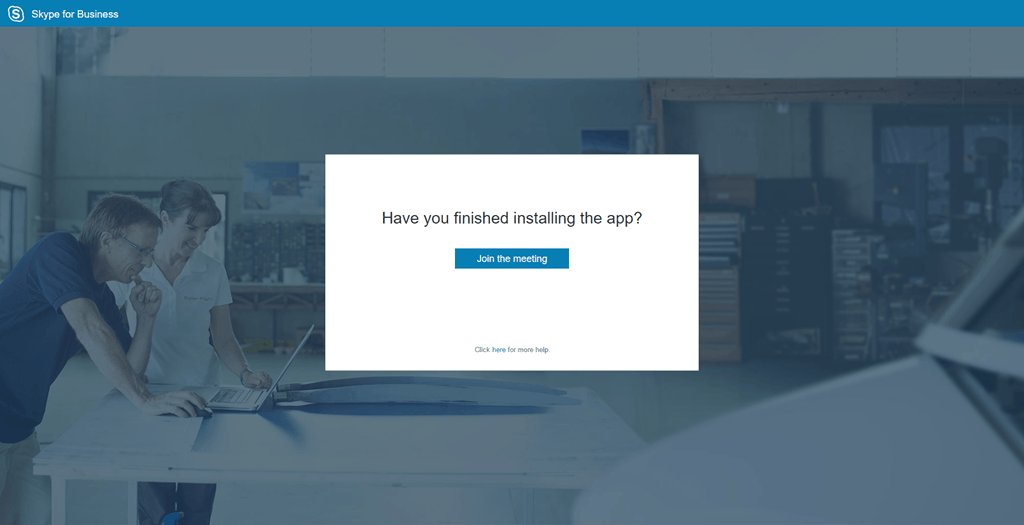
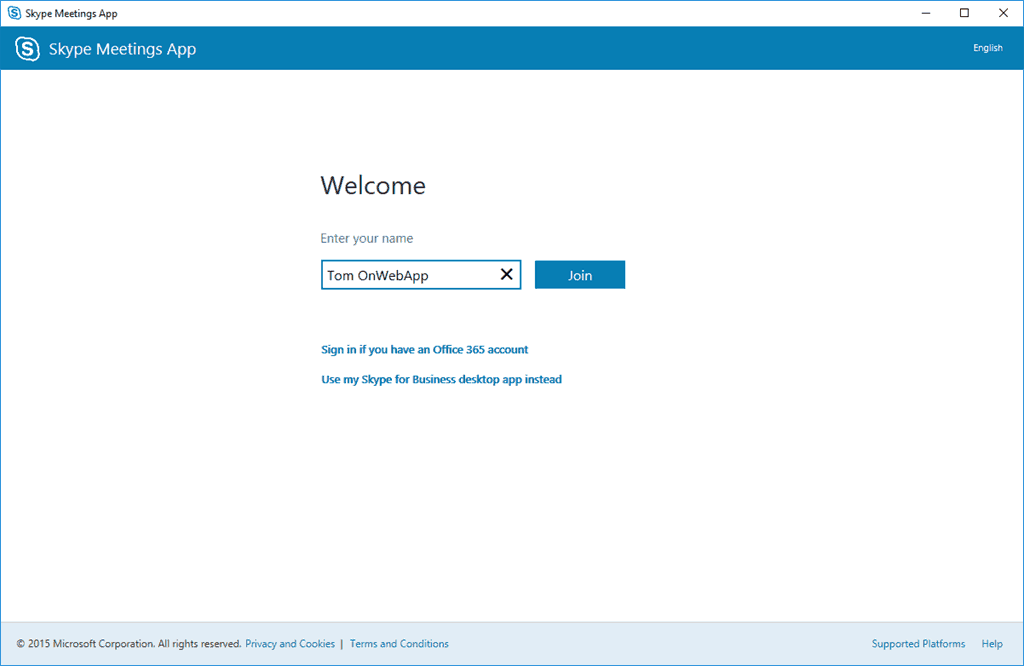
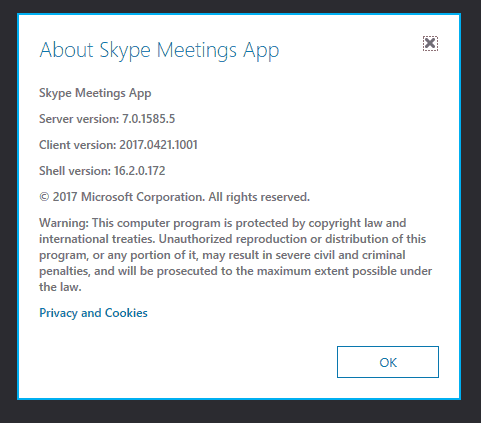
This is now the experience when you click a link for a Skype for Business meeting and don’t have the full client (i.e. a guest on a PC without SfB) or just choose to join via the Web app.
The new web client also support VBSS (Video Based Screen Sharing)


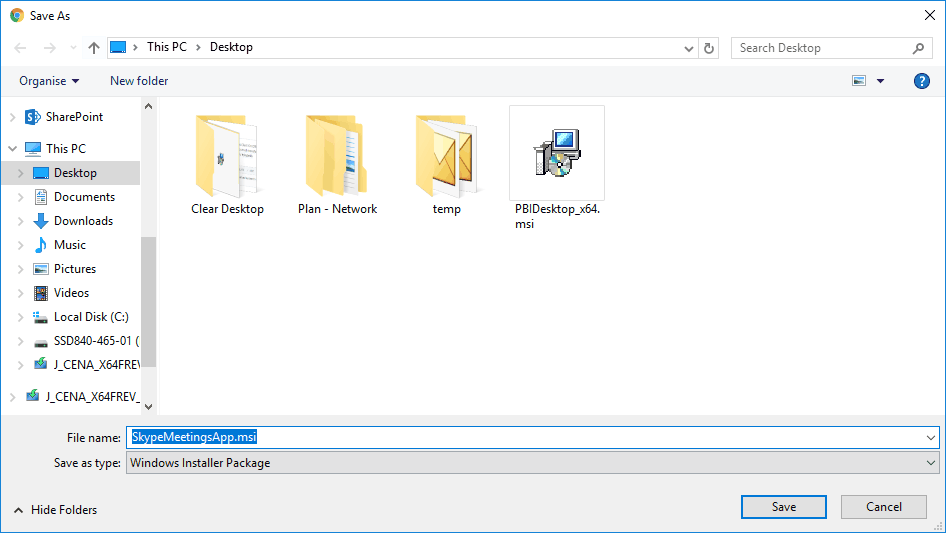
1 click install, then the installer disappears




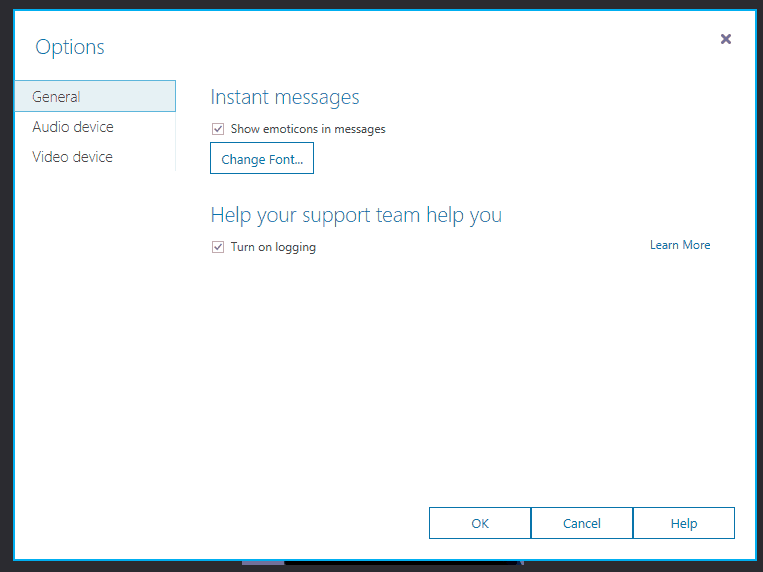
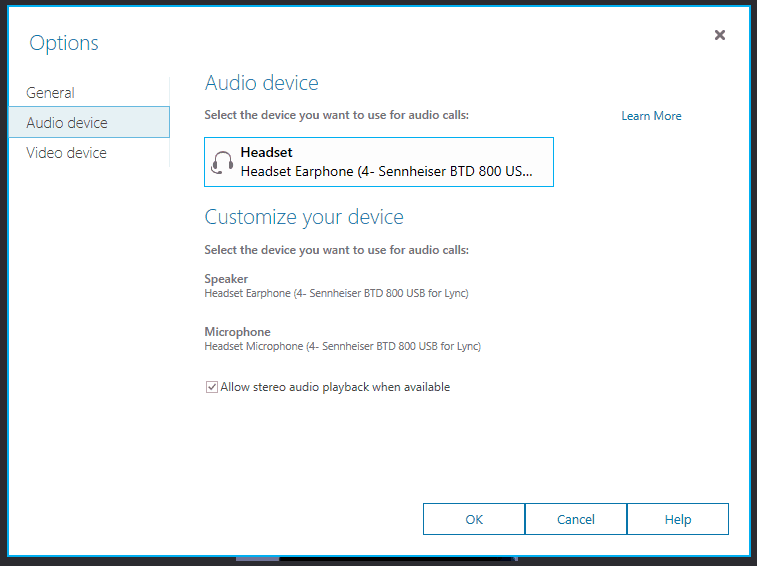
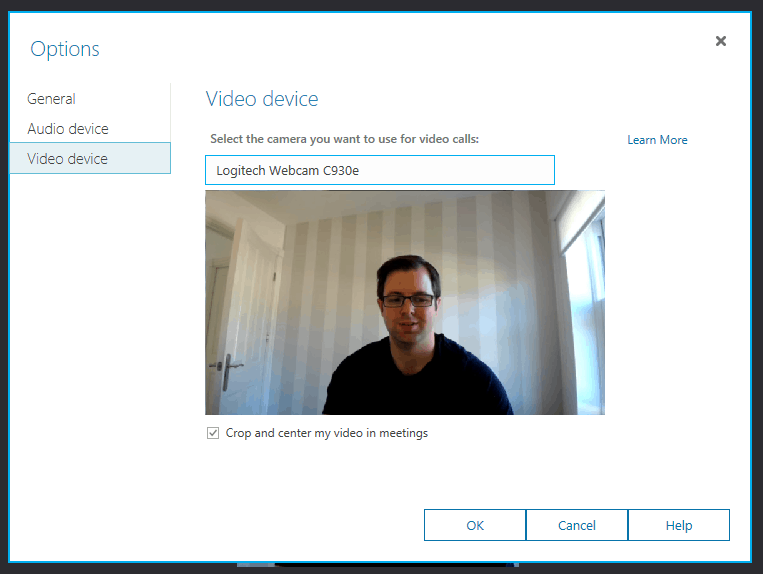
Meeting Options:
How is this different from the onprem meeting join experience over web?
It’s an improvement of that experience, it was different before this
Whens this ‘experience’ coming to onprem Tom?
Dont bother waiting for reply, this blog is in write-only mode since forever (thats not the 1st, or even 2nd time commenters are totally ignored here; being rather active on twitter by the way), wonder why comments are enabled though…?!
I do struggle to reply to every comment, I have a day job and a family and do this in my spare time, but do my best to reply when I can :-)
A good place for community questions it tech community. Lots of people there: https://techcommunity.microsoft.com/
Is there a specific question of yours I missed Richard?
[…] Martin & Tom (and probably others) have all covered this in a lot of detail, so I won’t re-hash their […]
Is there a way to test this without changing the entire infrastructure over to use CDN? Specifically, can I manually download and install the new plugin and use something in the URL (similar to ?sl=) to fire it?