One of the nice features of Microsoft Teams IP Phones is that they are all managed from the Teams Admin Center (TAC). This includes IP phone configuration, upgrades and even log collection.
Under Devices / Phones you will find each phone
If you click into a phone you can click “Download device logs”

This sends a command to the phone to upload the logs to Office 365. It typically takes a few minutes
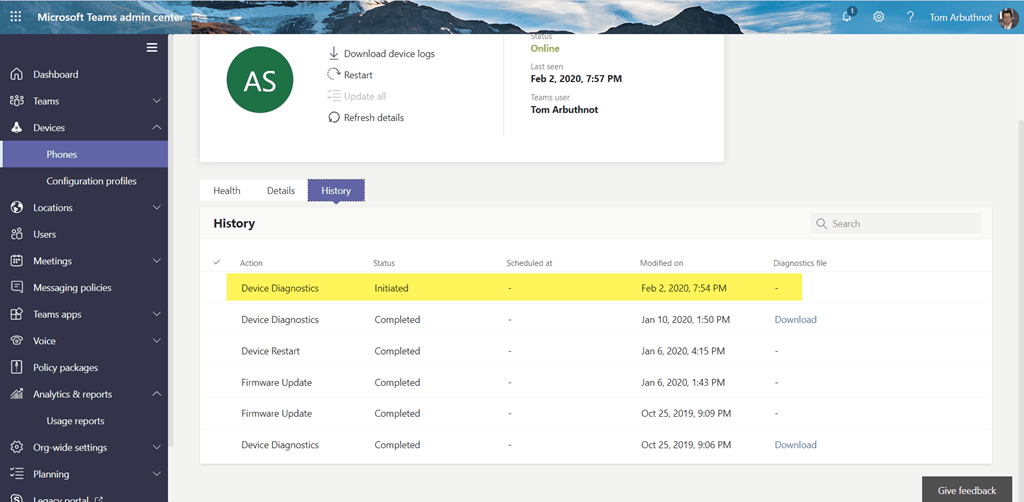
Once available you will see a link to download the logs

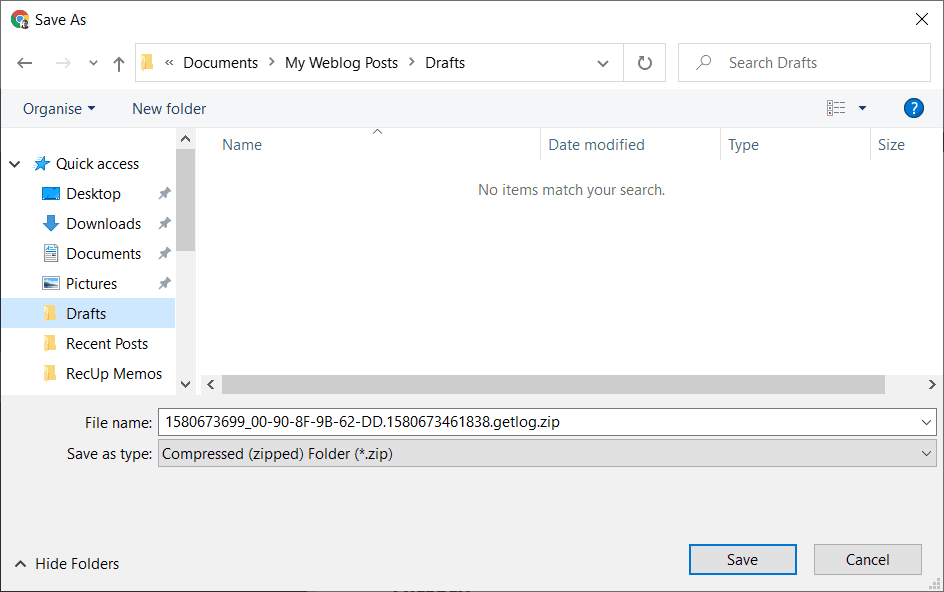
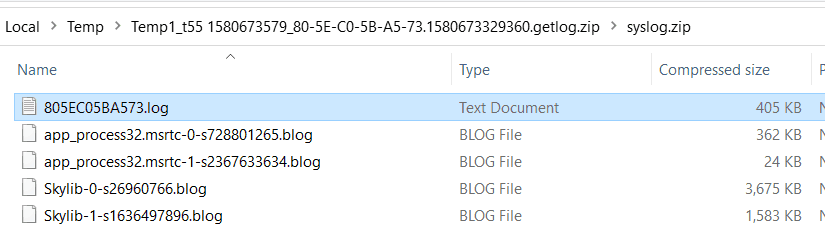
What’s interesting is that each vendor provides different types of logs:
AudioCodes: logcat.log
Poly: app_1580673504275.log
Yealink: Multiple files
Be First to Comment