This one annoyed me for a while before I worked it out.
I have a deck where most slides are correctly centred while editing with no horizontal scroll bar.

But some slides in the same deck are off-center and have a horizontal scroll bar:

This is because there is an object somewhere that has been dragged off the slide and into the “space” on the left.
You can find it by zooming out, selecting the white space (drag your mouse over it), or pressing the tab to go through all the objects on the slide.
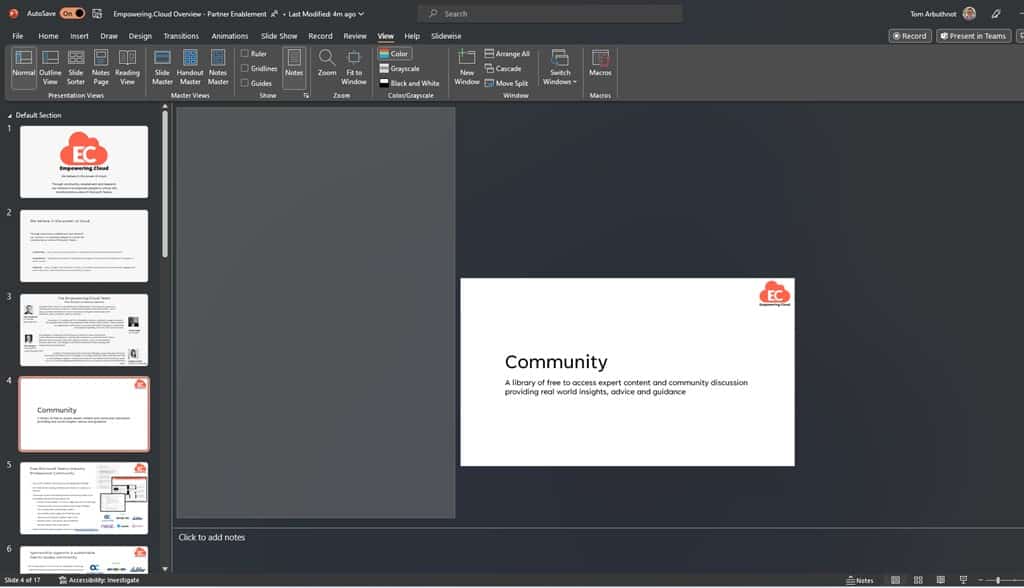
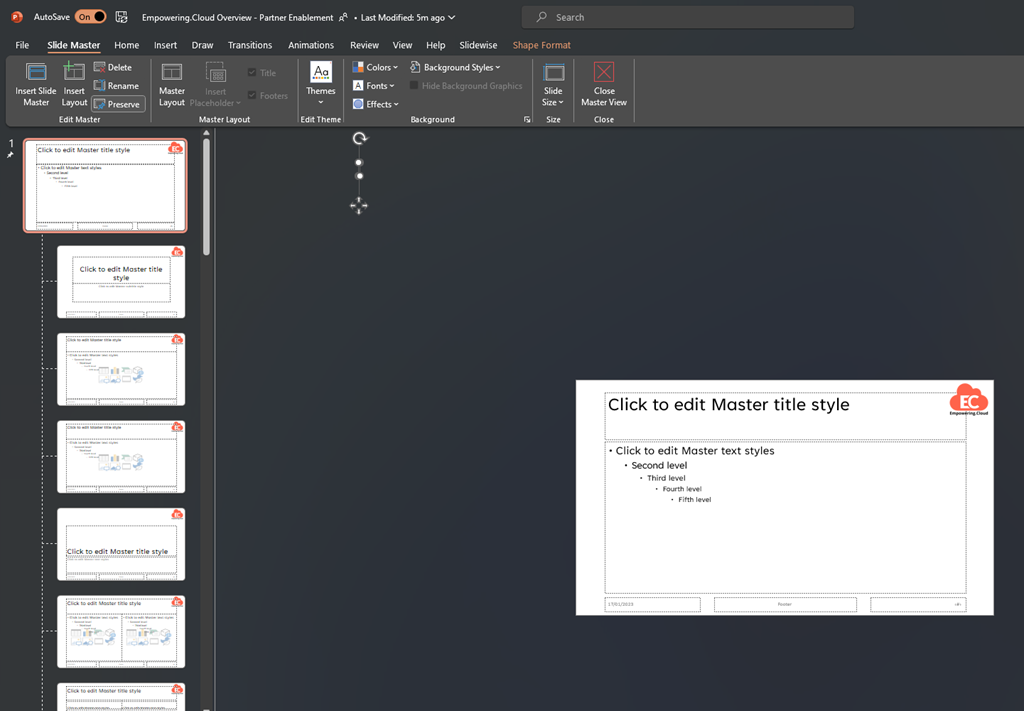
You may find there is nothing there, like the slide above, in which case it may be on the slide master (view/slide master)
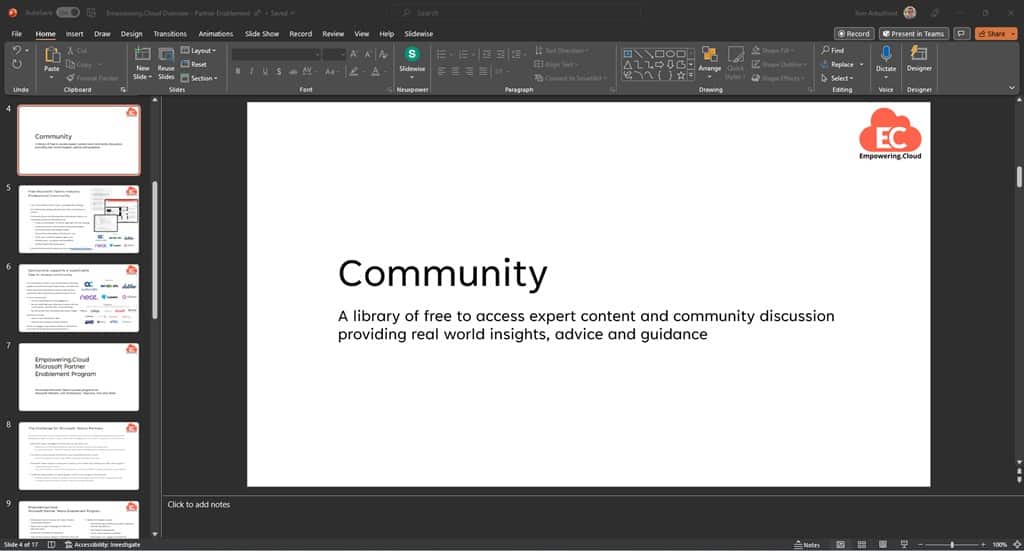
Once you delete that rogue object, the slide will correctly centre in the editor:
Be First to Comment