One of the nice things about the AudioCodes Mediant 1000 is that it is modular and it is easy to add modules. Here are the steps to add a module to the AudioCodes Mediant 1000
We start with a basic chassis with no ISDN connectivity (note no modules in the config. picture below)
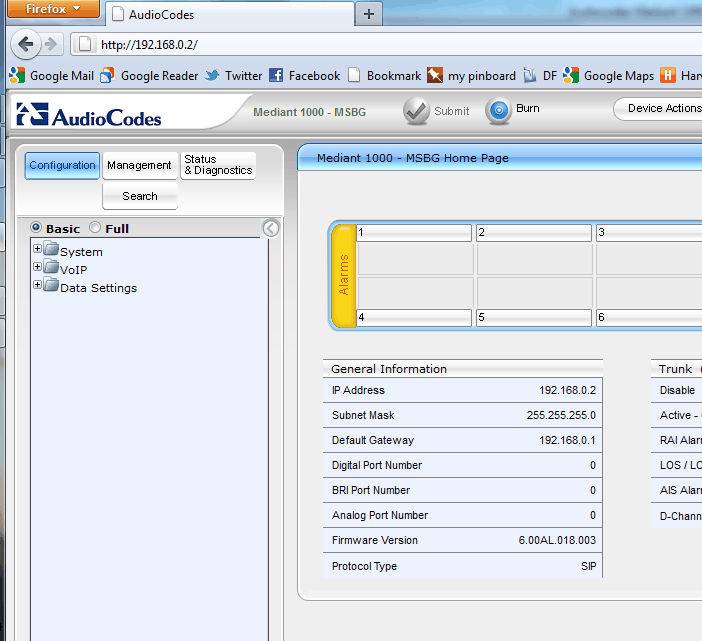
First shut the gateway down. Once it is powered down you can remove a blanking panel from the gateway

The modules will come boxed separately. Unbox it, taking standard anti-static precautions

Typically they will come with two additional stickers to remove
One over the ports
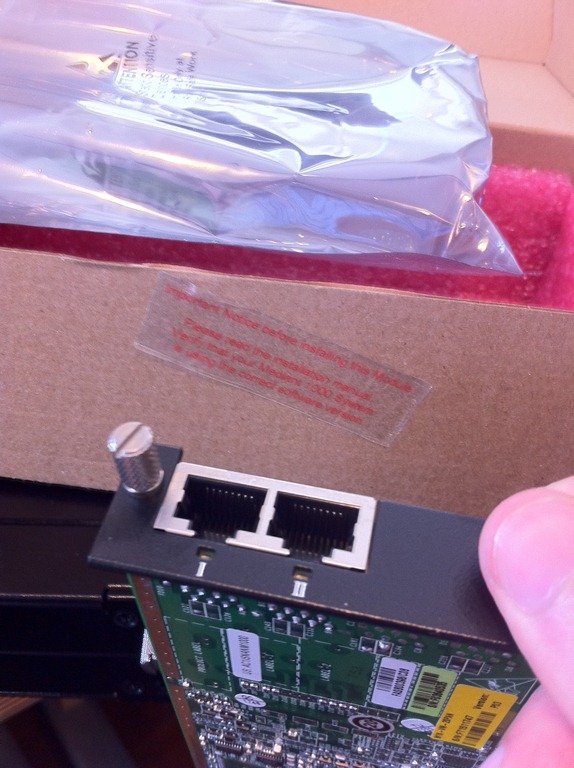
And one protecting the pins of the card (easy to miss!)


Once you have the card ready, you can slot it into the chassis

Push the card home, and do up the thumb nuts

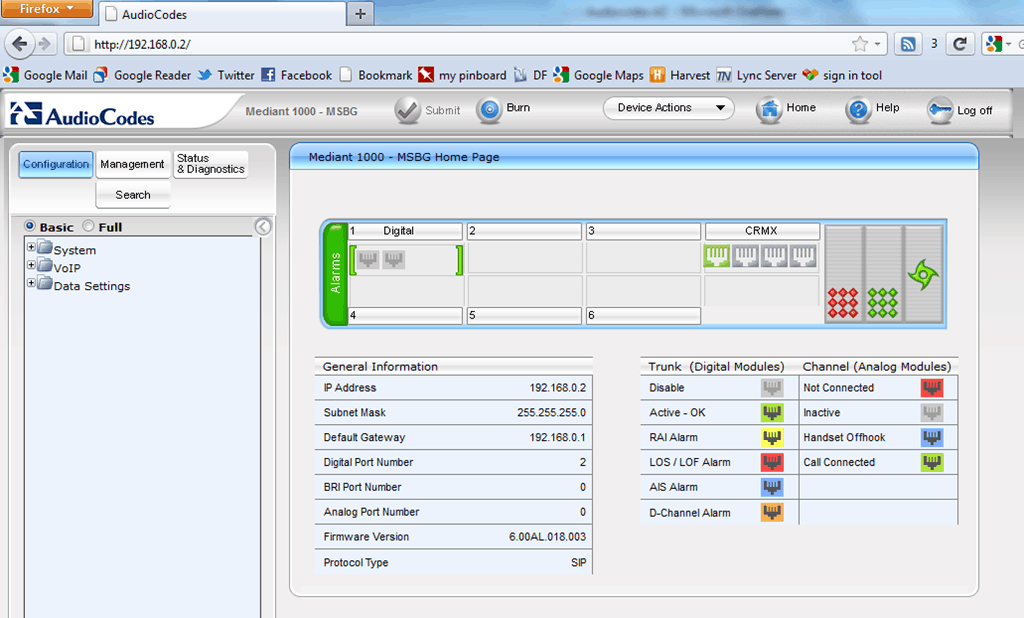
Once the card is securely in place, you can power the gateway back up. You should now see the module as available on the main settings page
Be First to Comment