When you create an Office 365 Tenant, you choose a “Country or Region” which defines the country/region your service will be run from/where your service will run from.
Once you have chosen this you can’t migrate from that region. There is no “moving” tenants between regions at present.
These Maps provide the locations of Microsoft datacentres throughout the world for the Office 365 and Microsoft Dynamics CRM Online services.
You can find your tenant location in the web control panel:
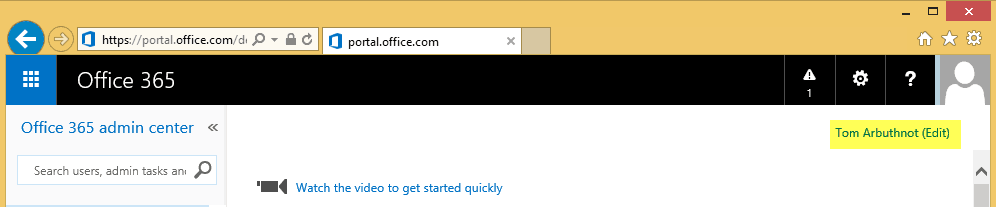
Note, that it isn’t editable:

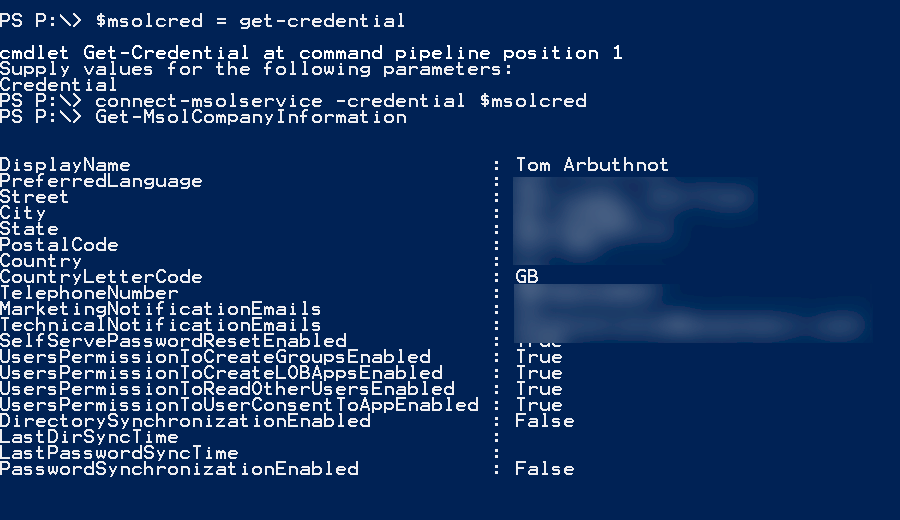
Or via PowerShell:
- First install the Microsoft Online Services Sign-In Assistant for IT Professionals RTW (x64) from the Microsoft Download Center.
- Then install the Azure Active Directory Module for Windows PowerShell (64-bit version), and click Run to run the installer package
Start PowerShell and connect to tenant
$msolcred = get-credential
connect-msolservice -credential $msolcred
Then get the company information:
Get-MsolCompanyInformation
Be First to Comment