
Sometimes in word, the numbering seems to get corrupt and end up blacked out.
This should be 1.0
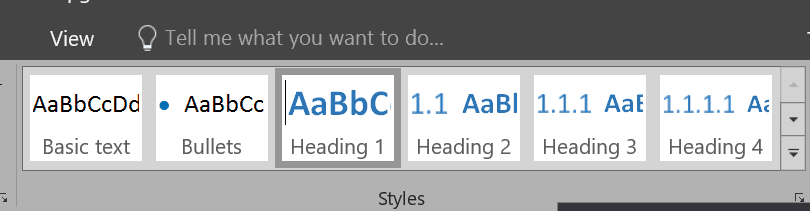
Click on the heading, and set the number to none.

Then set the numbering to headings

Once that works, update the Headings template to match the selection, this should fix all the headings:

Be First to Comment