Sometimes specific slides or parts of slides end up being in a different language to the rest of the deck, resulting in them showing red underlines for miss-spelling even though the spelling is correct, it’s just that spell check is expecting/checking based on it being a different language.
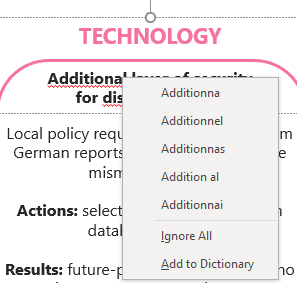
For example, this deck is in English, but it is showing these words as spelt wrong.

If you select a specific text box you can see it is trying to correct into another language
With the text box selected, if you go to Review / Language / Set Proofing Language on the PowerPoint ribbon
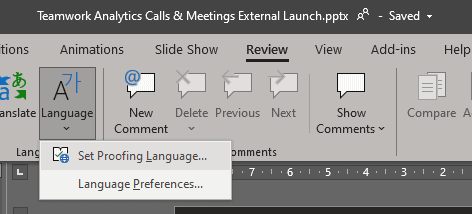
You can see it is set to French

Simply set the language back to the appropriate language, in this case, English

You can highlight multiple text boxes to do this one for all the boxes.
I haven’t yet found a way to do this at the “deck” / all slides level. If you have one please let me know and I will update the blog.
What if you have mixed languages in several text boxes? is there a way to change all text boxes to the same language? Many thanks