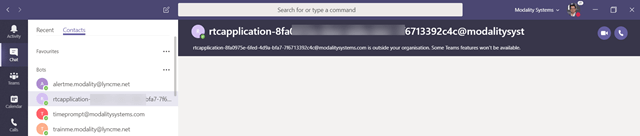
We’ve come so far with cloud in such as short time, yet one missing piece for me as a full Microsoft Teams user is a simple Audio Test bot. I’m often doing calls from various places, customer sites etc, and want to test my Bluetooth and network connection are behaving.
Funnily, I had the same challenge when I went full Skype for Business Cloud PBX in 2016, at the time I found I could add the SfB Server audio test service as a contact, and it turns out you can do the same with Microsoft Teams 
If you have Skype for Business Server in your environment, you can actually ring from Microsoft Teams to that test service bot on SfB Server.
On Skype for Business Server, each bot is an application with a SIP URI. you can’t search it from the address list, but you can look up the SIP URI with PowerShell
Get-CsApplicationEndpoint | Where-Object {$_.DisplayName -like “*audio test*”}
If you have more than one pool, more than one test bot will show up
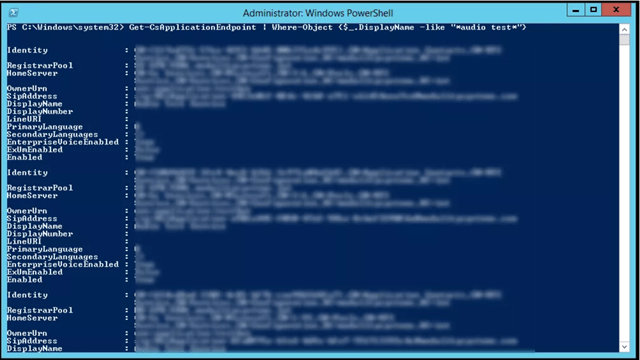
Find the one for the pool you want and copy the SIPAddress

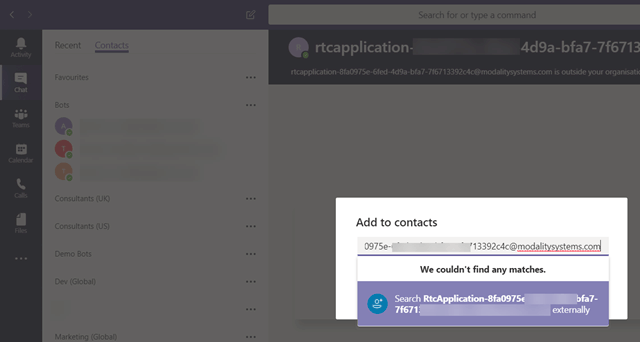
You can’t directly call the bot from the command bar (no contact match), but if you go to your contacts list you can add it as a contact
Hit the 3 dots on a contact list group and add a contact to this group

Add the SIP address you have, it will show up as an “external contact”
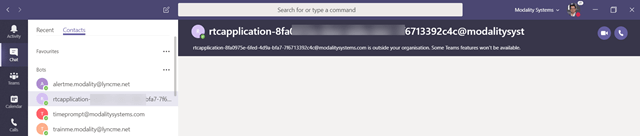
From here it is in your contact list to call

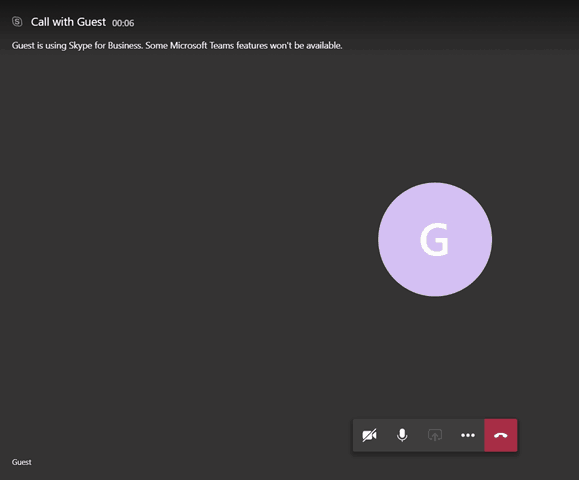
Not really for your typical user and a bit of a hack, but fun nonetheless.
Be First to Comment