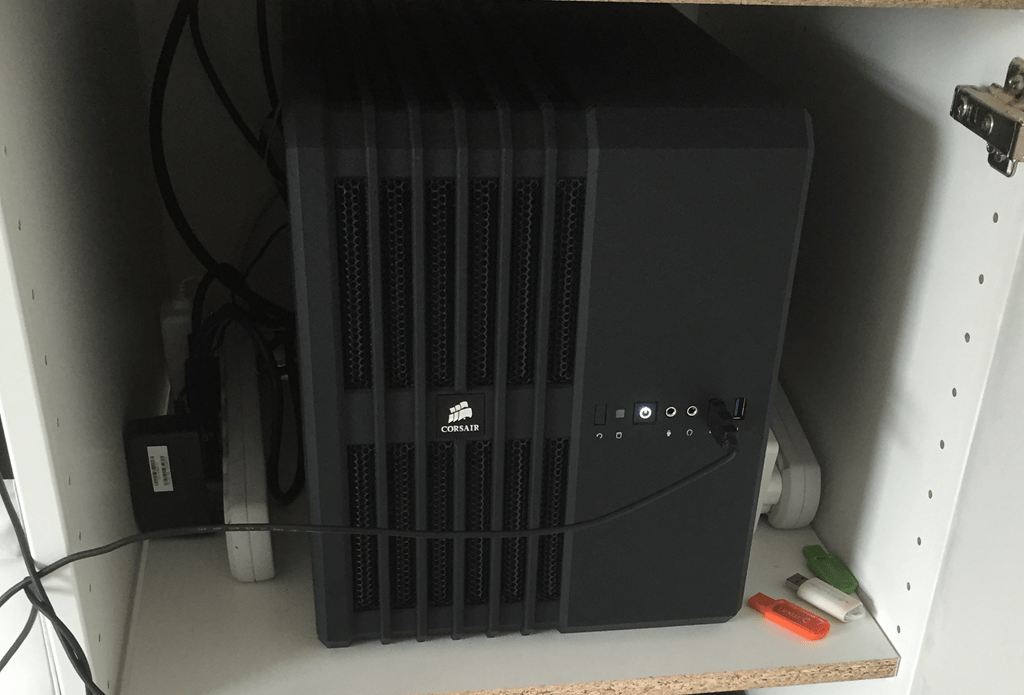
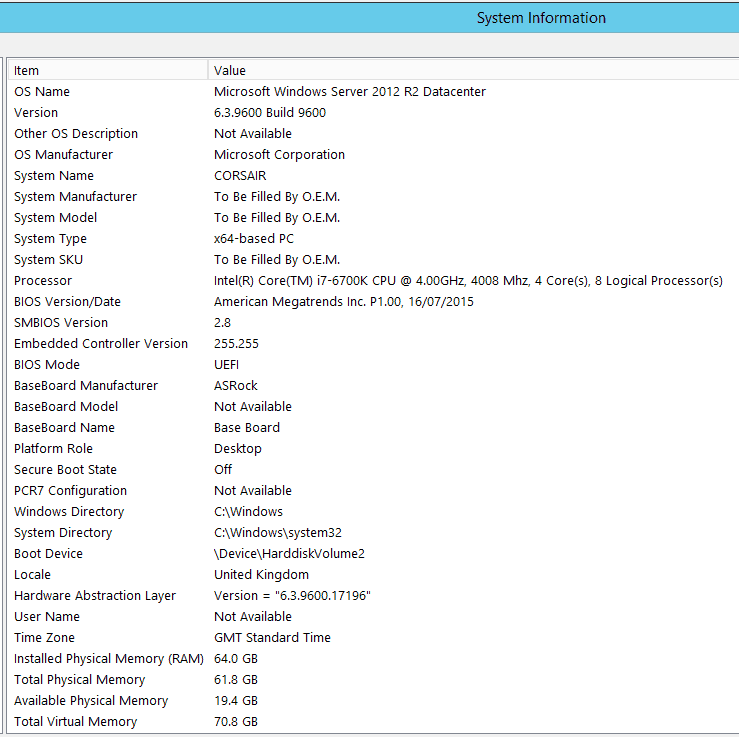
I’ve been running my trusty 32GB RAM Whitebox server for sometime. It’s been great, but there is always the want to run more concurrent virtual machines  .
.
Finally the new Skylake CPU Architecture came along, which allows up to 64GB RAM in a home motherboard. I even found a MicoATX motherboard which would support the system, allowing for a nice quiet compact but powerful lab machine.
Here is the system I decided on:
- Intel Core i7 6700K 4.0GHz Quad Core
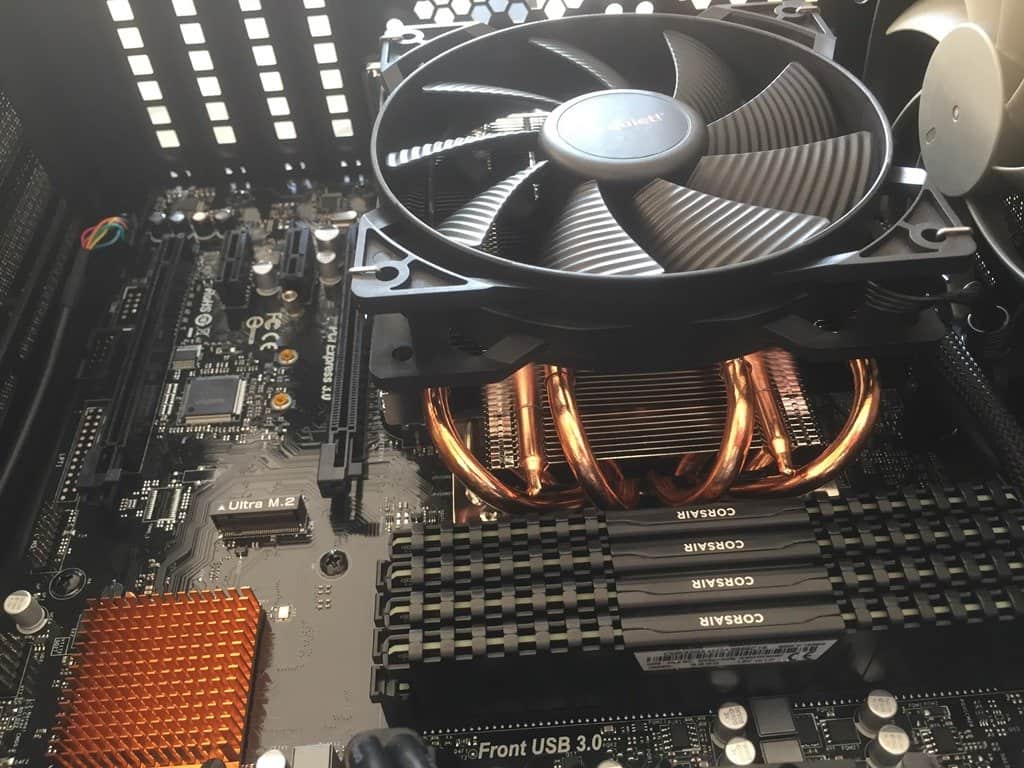
- 2 x Corsair Vengeance LPX 32GB (2x 16GB) 2666MHz DDR4, 64GB Total
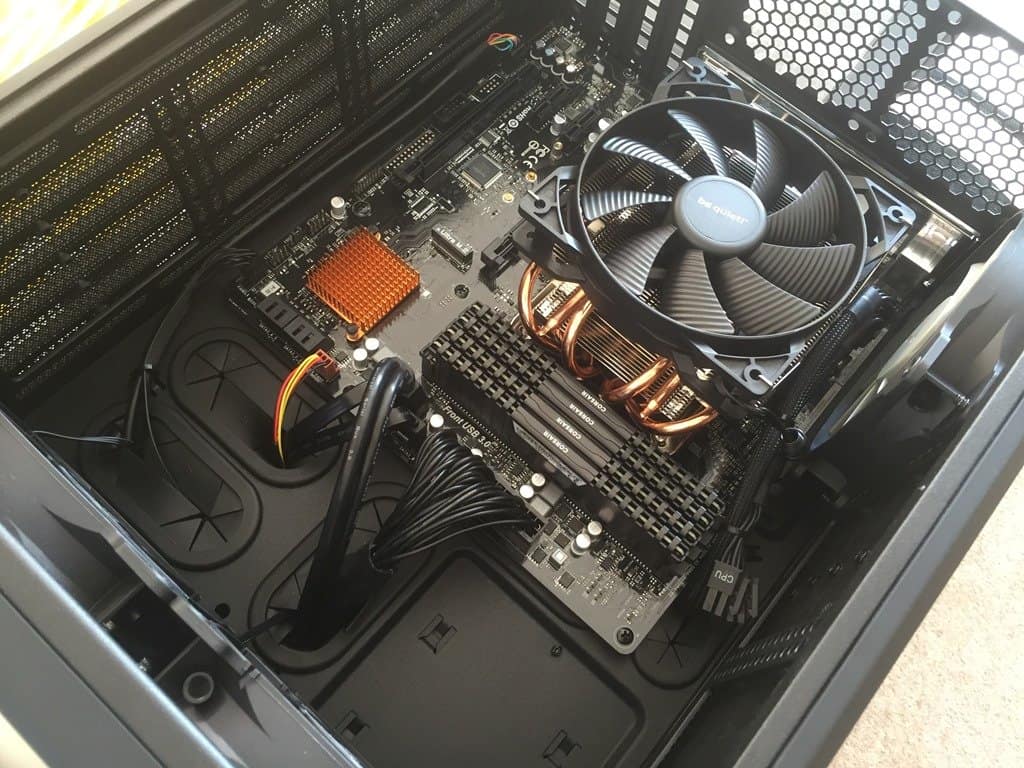
- ASRock Z170M Pro4S Intel Socket 1151 Motherboard
- BeQuiet! Shadow Rock LP CPU Cooler with Pure Wings 2 Fan
- Corsair Carbide Air 240 Gaming Black Mini Tower
- EVGA SuperNOVA 650 G2 650W Power Supply
I had existing spinning disks and Samsung 840/850 SSD’s. The SSD’s are essential for a lab system. This motherboard also has an m.2 slot for future expansion. The case is a corsair case with space for 3 x 3.5 disks and 3 x 2.5 disks, but it still nice and compact.
I couldn’t get the system stable in XMP Memory mode (a memory overclock), but without XMP it’s been stable running VM’s for a couple of months.
The motherboard NIC wasn’t recognised in Server 2012 R2, and i couldn’t find any drivers, so I added a separate PCI NIC
How is the cpu cooler holding up under high continuous load? I have an almost identical build (same case, CPU, ram etc) which I’m using for VMs too but I couldn’t find a low profile CPU cooler which would fit the case to cope with the 6700 skylake CPU on full load (e.g. Prime95 which was topping 95degC with a Zalman LP cooler) so I ended up going for a Corsair H100i GTX liquid cooler instead (which works great BTW, now max temp is 62degC on full load)
I also had the same problem with XMP and stability too. Left it at 2133 for now!
Hey Paul,
I’ve not noticed any CPU temperature issues, but to be honest most of the time I’m not really stessing the CPU, as it’s just a lab. Good to know about the liquid cooler and that I’m not alone on the XMP
This config for paly games is best