
Windows 8 Server beta is now available for public download. You can get the bits here:
http://technet.microsoft.com/en-us/evalcenter/hh670538.aspx
And here is the what’s new information:
http://www.microsoft.com/en-us/server-cloud/windows-server/v8-default.aspx
http://technet.microsoft.com/library/hh831769.aspx
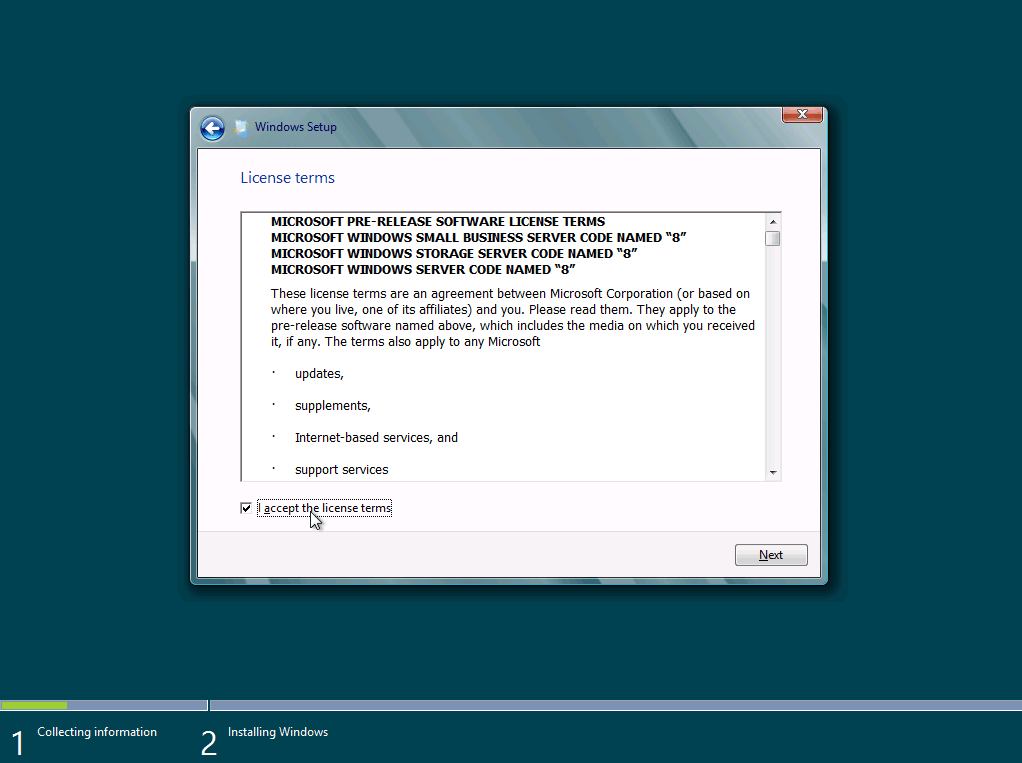
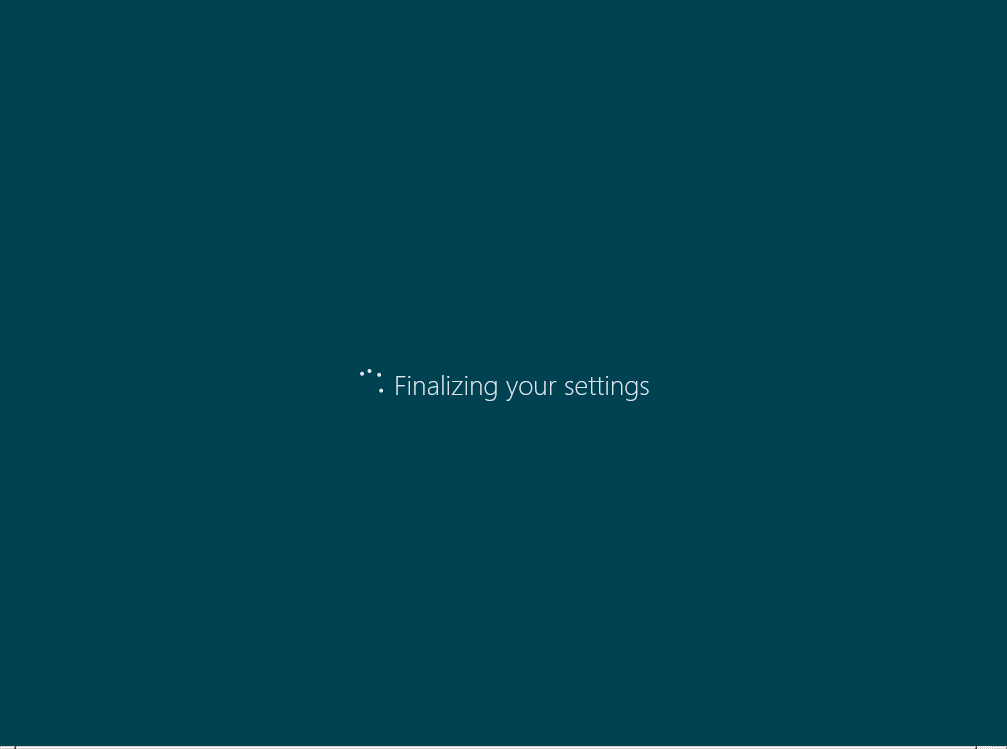
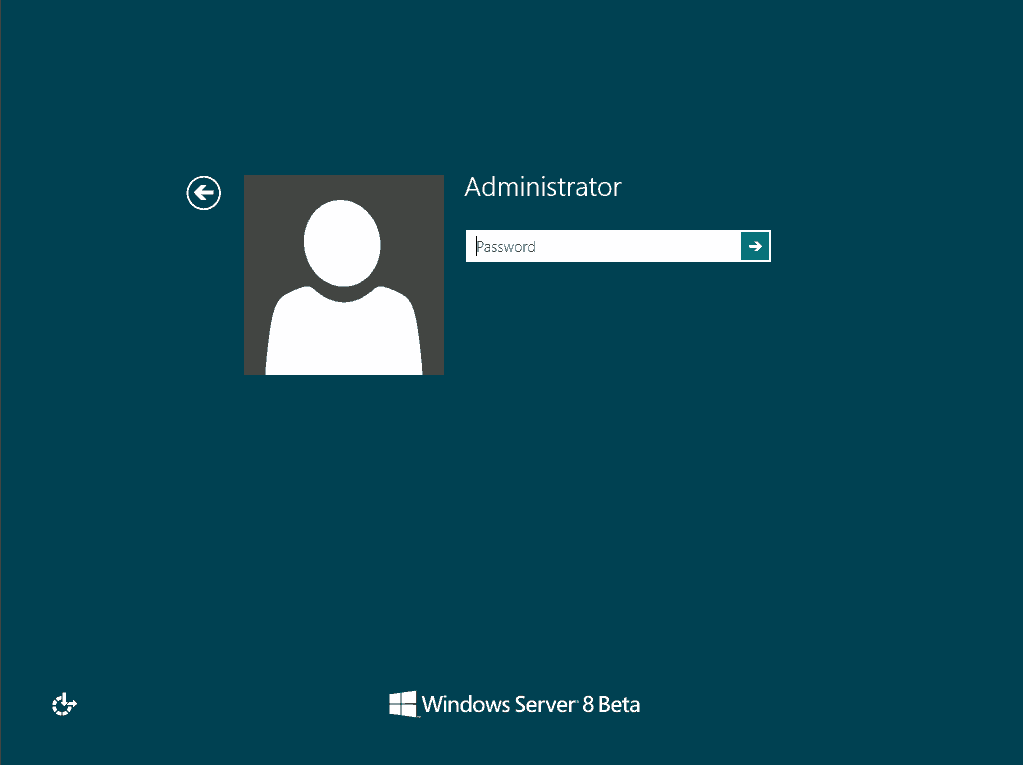
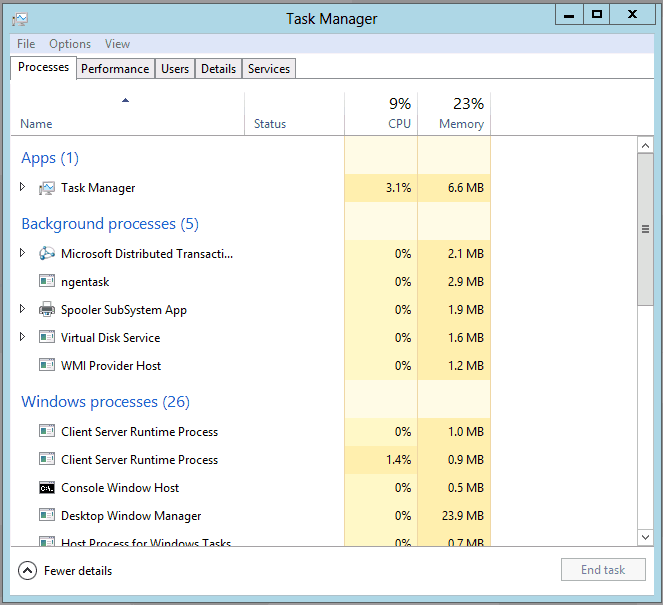
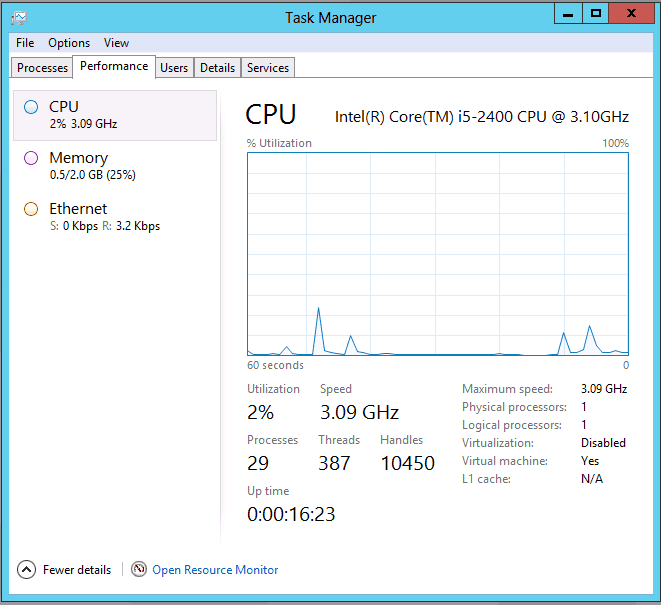
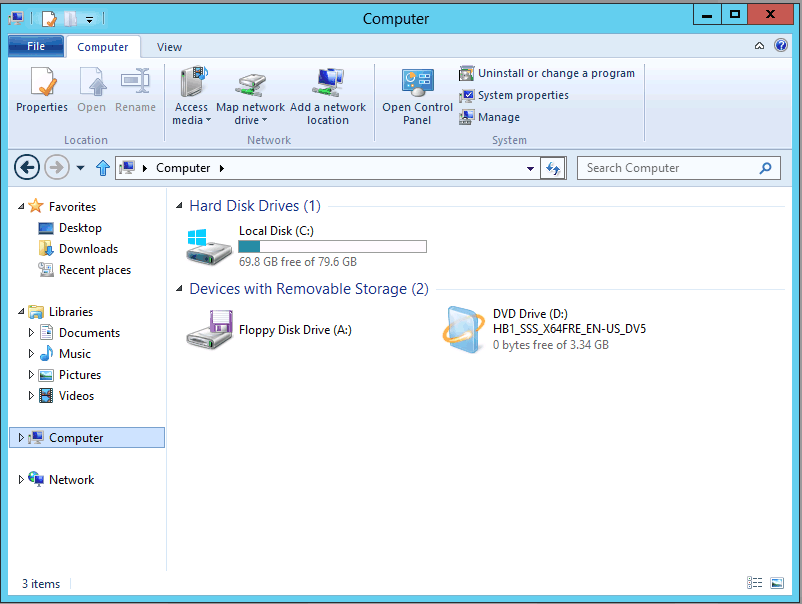
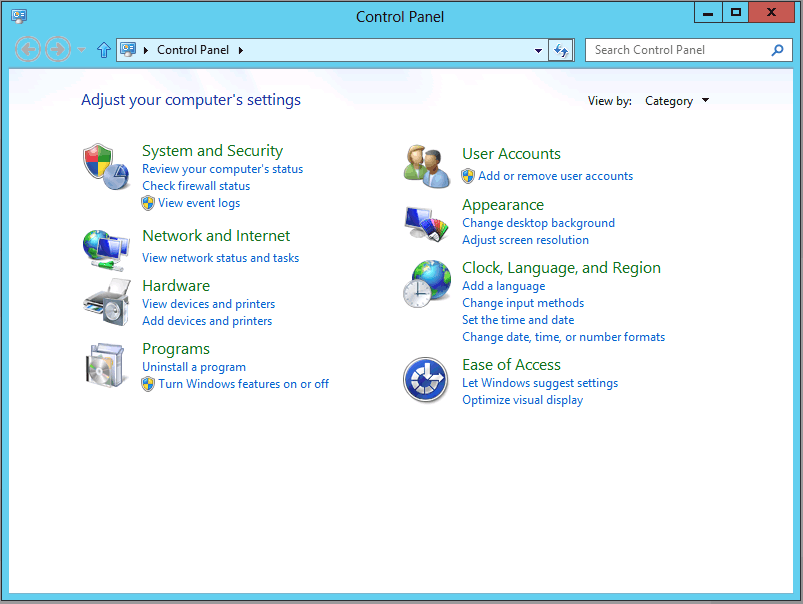
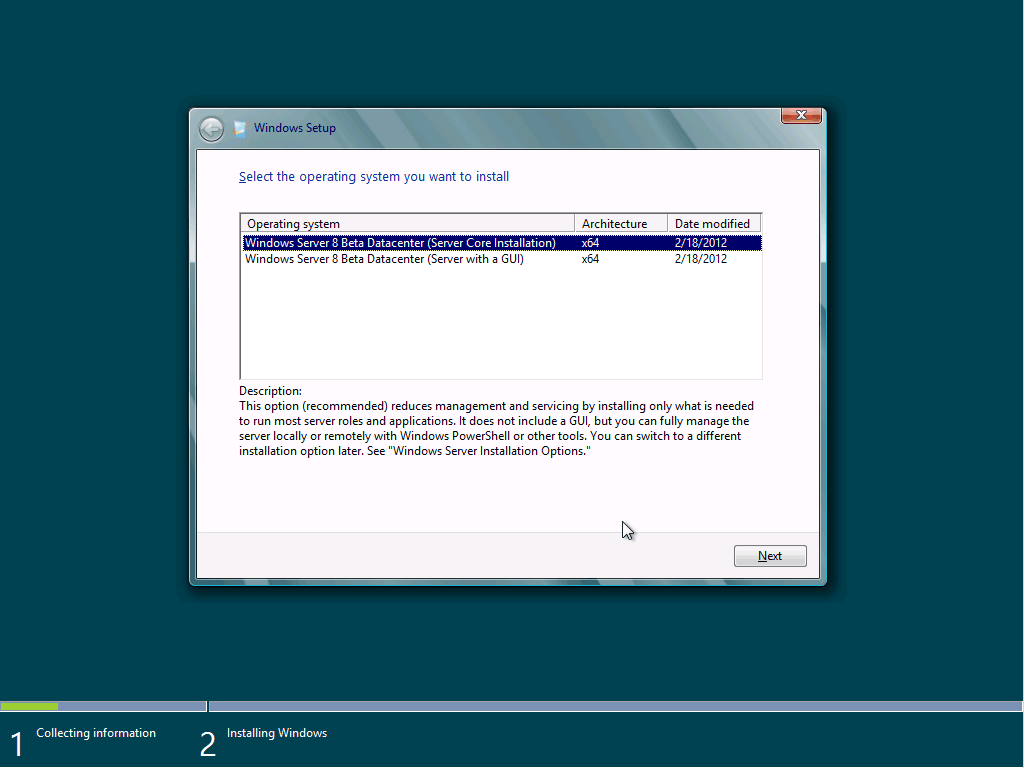
Here are some screenshots of the install process and what you see once it’s installed in GUI and core mode.


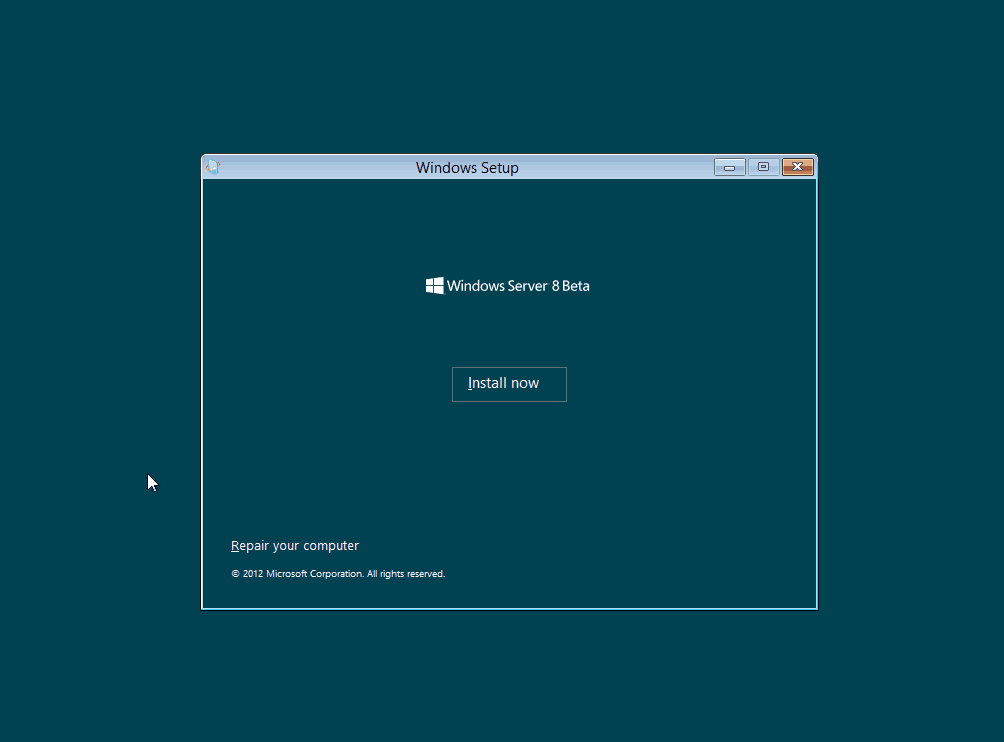

Note, the default choice is Core. We’ll go server with GUI first, further down I will show the core install and experience



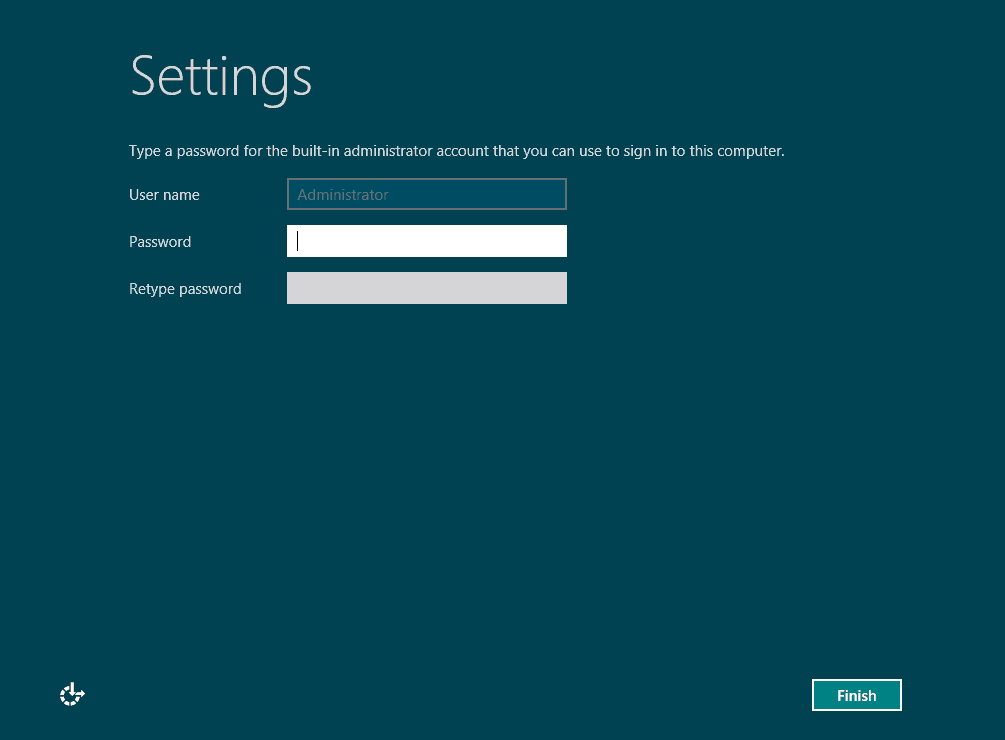


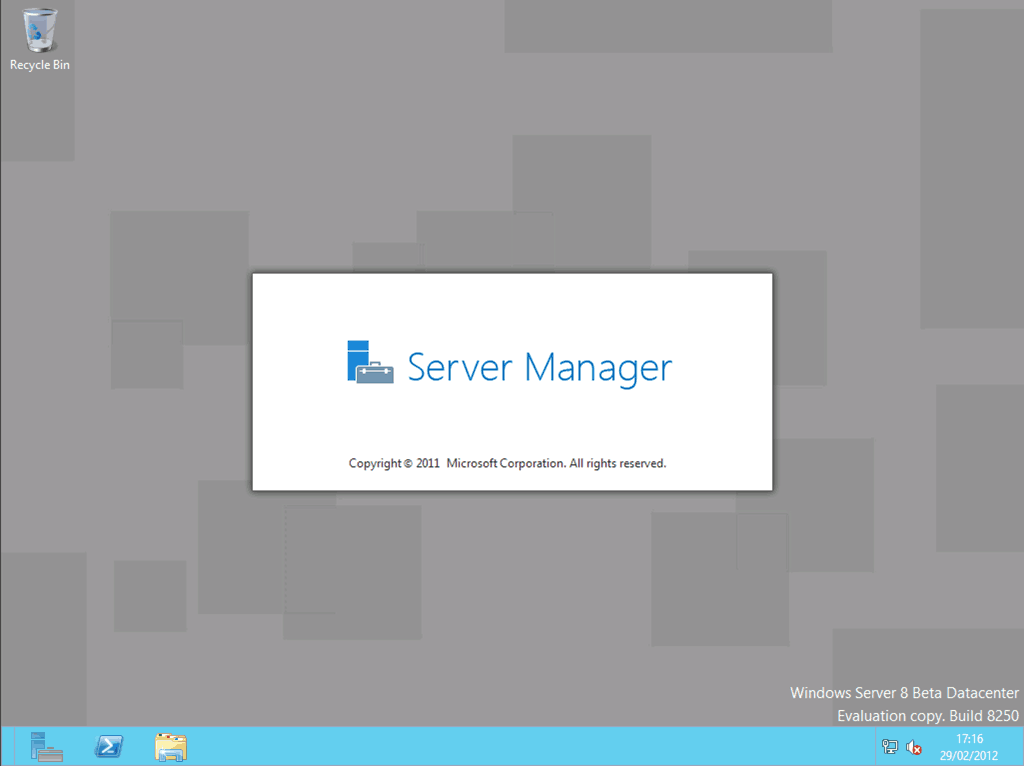

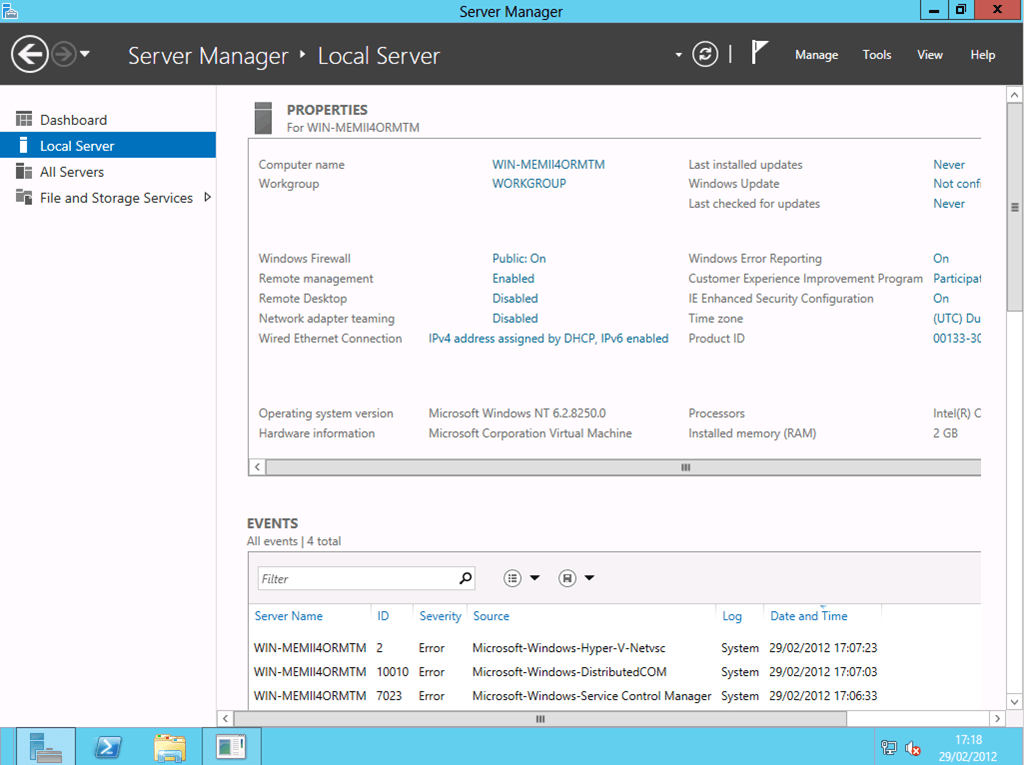
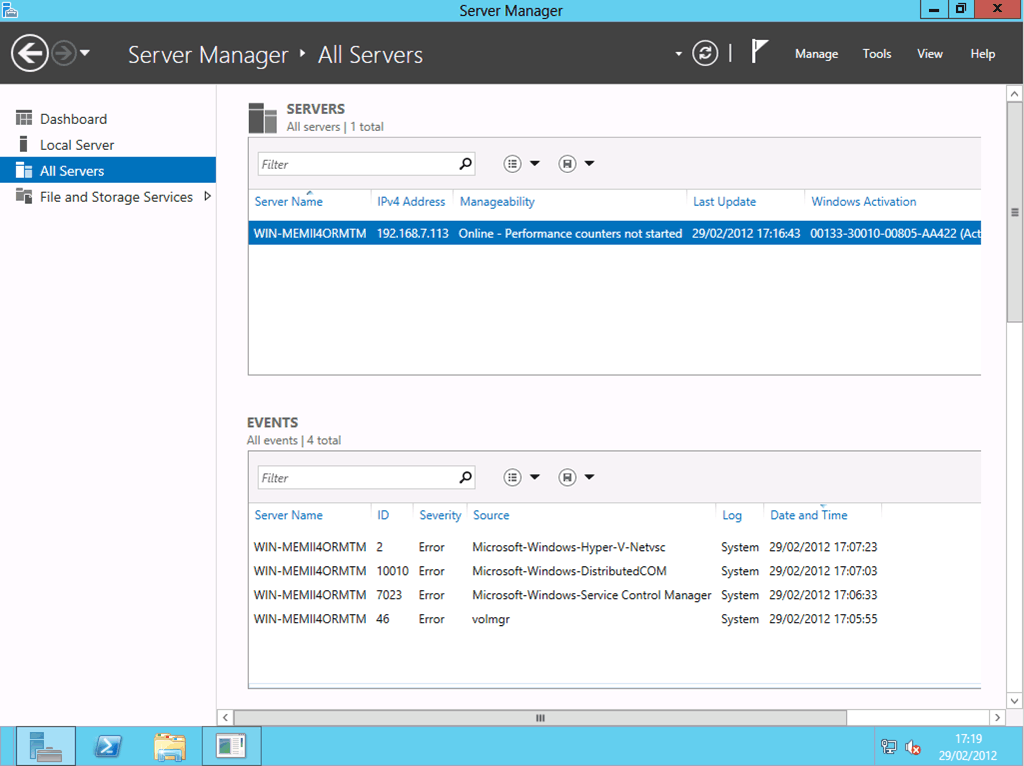
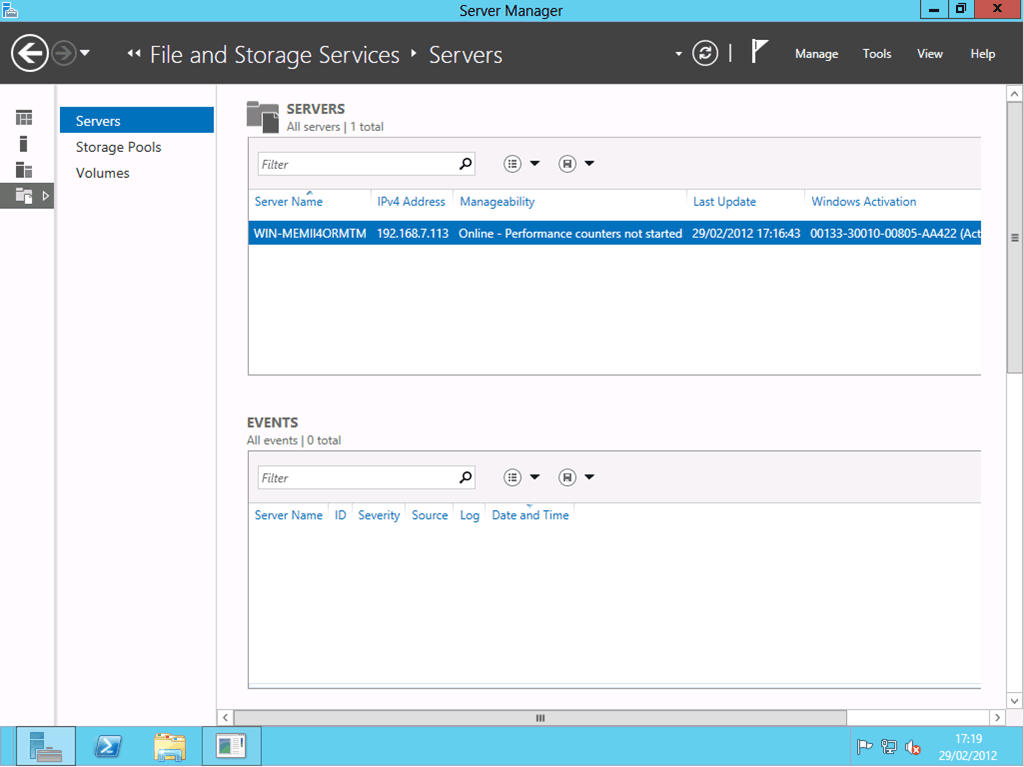
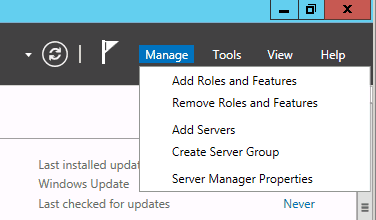
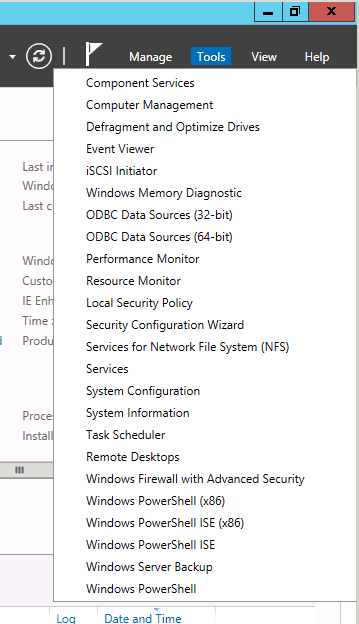
Note no start button. Bottom right hover reveals start shortcut
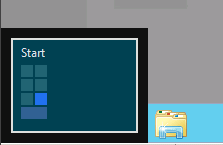
Start, like Windows 8 CP, is full screen metro




Choosing the server core option:

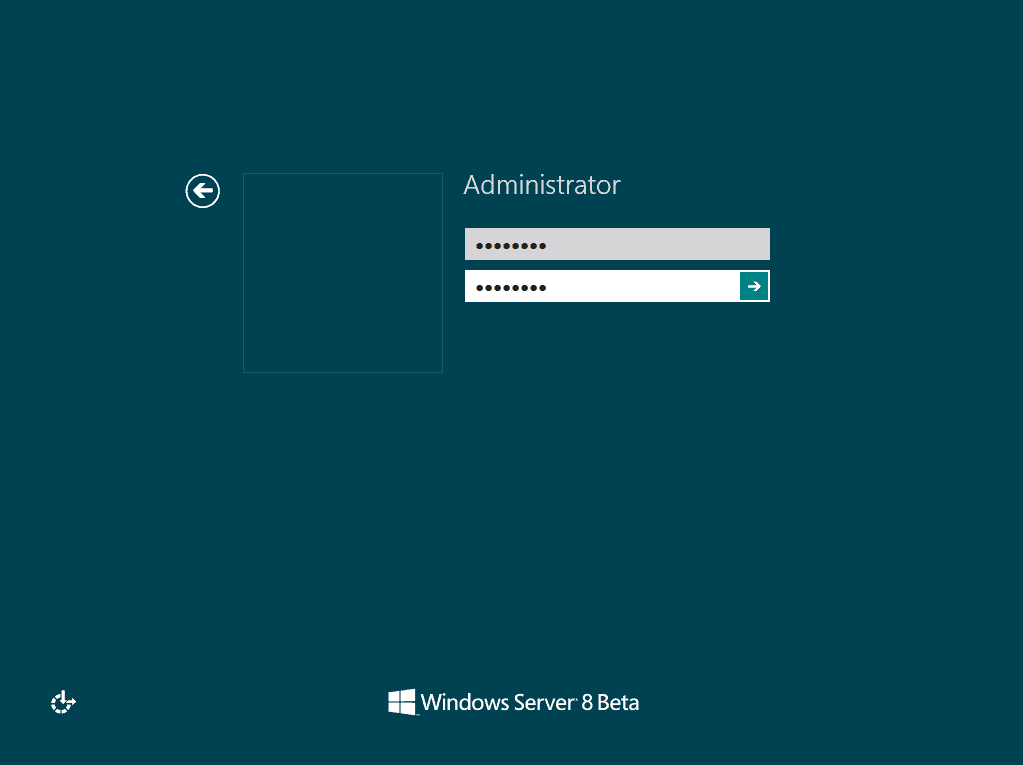
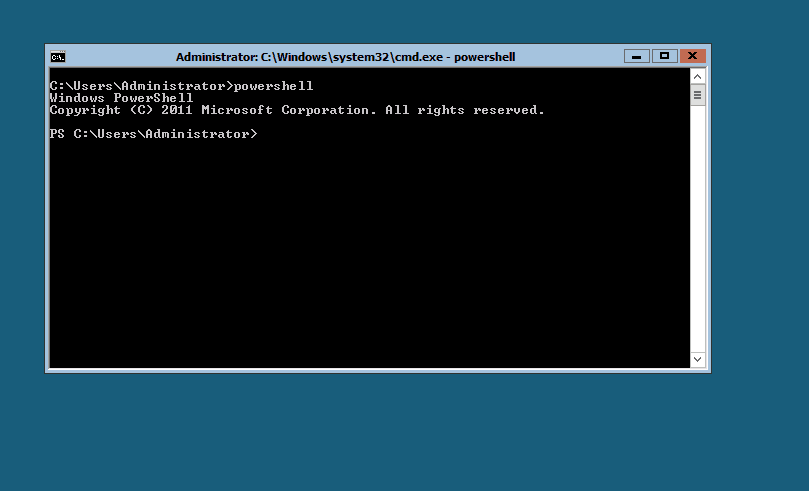
You start in cmd.exe, no start bar, no GUI
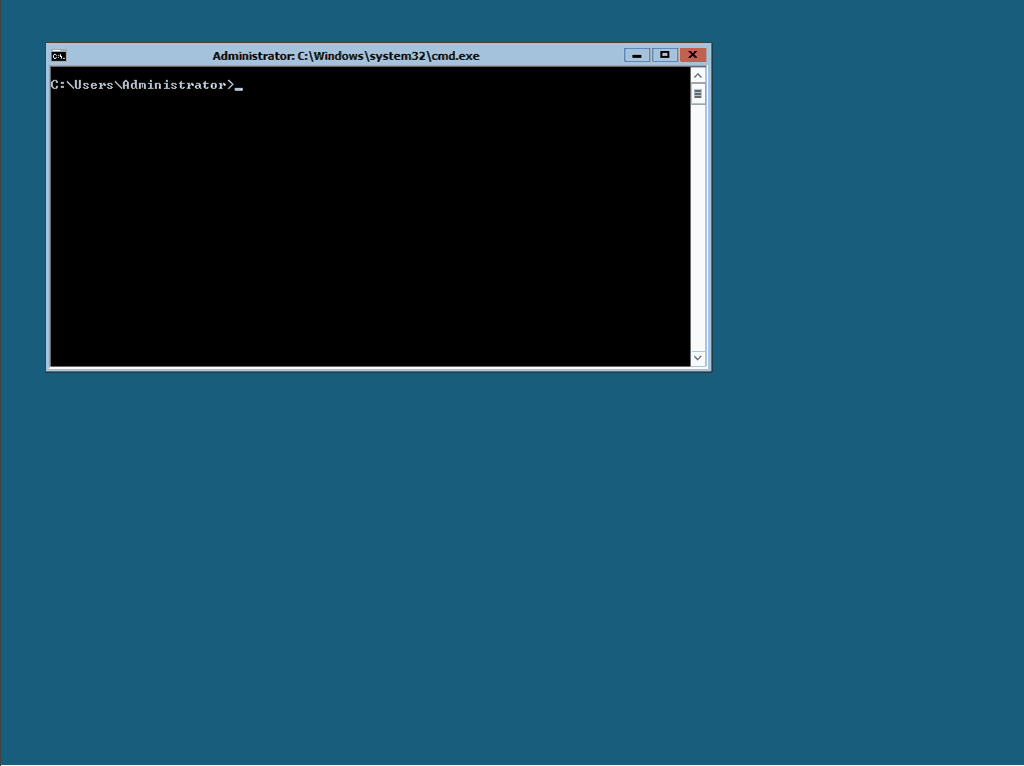
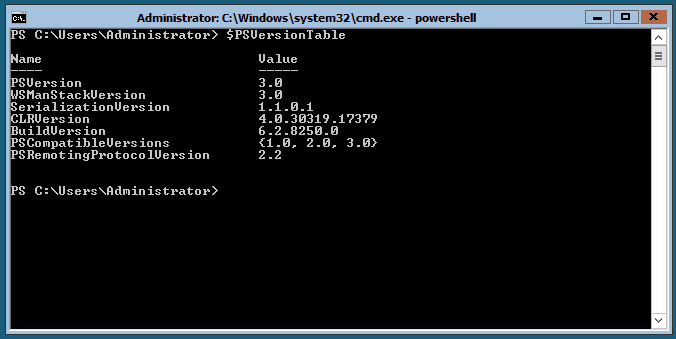
Typing PowerShell pushes you into PowerShell in the same she’ll window
Be First to Comment