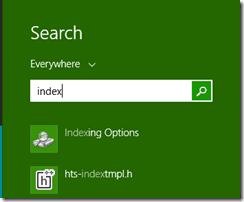
I’ve had this a couple of times now, so thought a quick post might be useful.
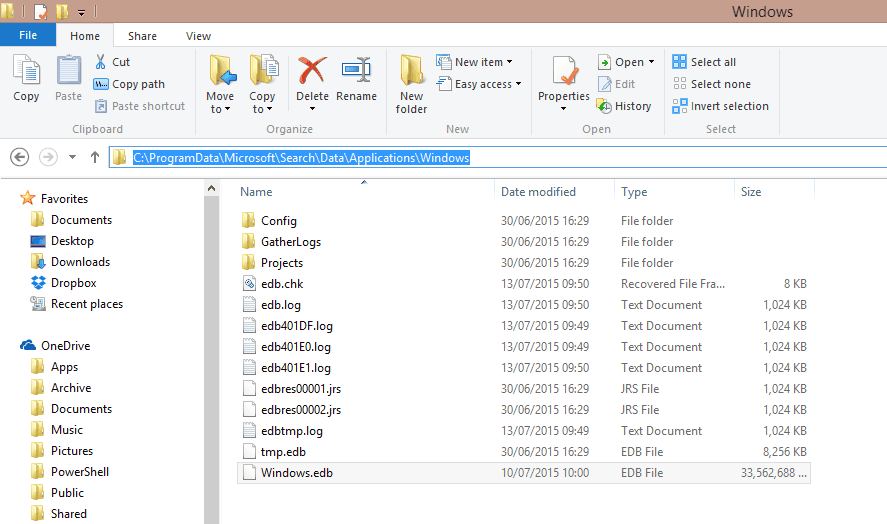
I notice my SSD is getting full, and find Windows.edb at over 30GB.
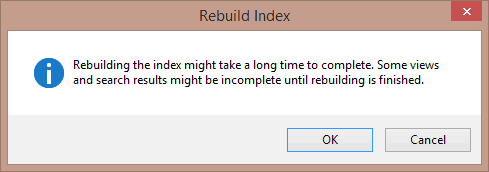
To fix it, you can go through the gui to force a rebuild:

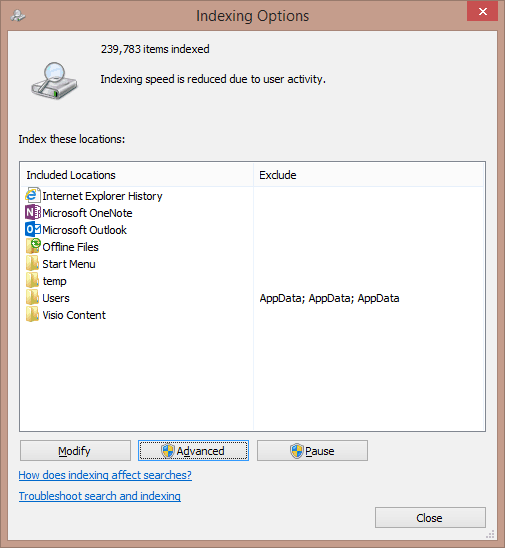
Advanced/Rebuild
Or you can stop the service, delete the file and restart the service:
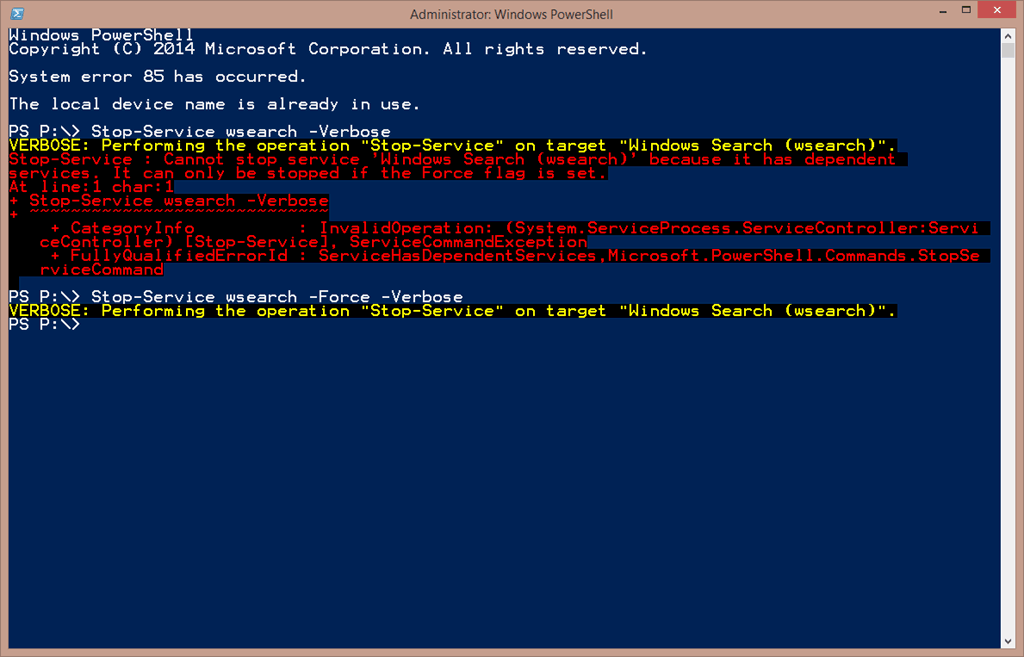
Delete file
Restart Service

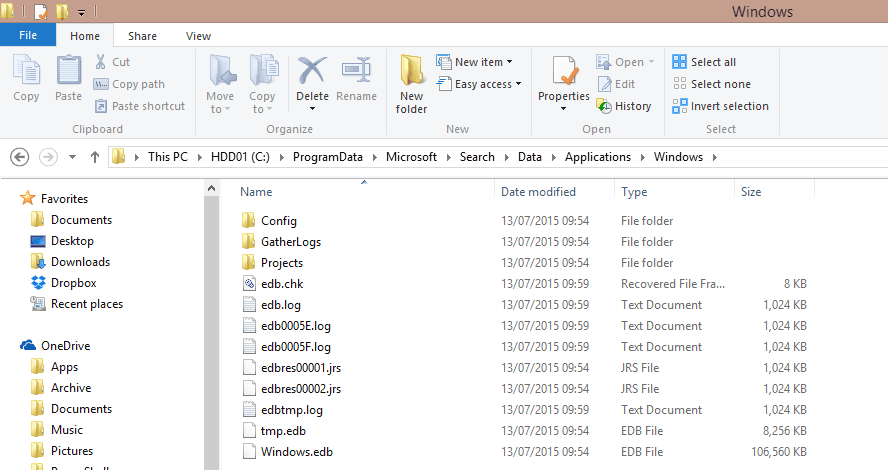
New index is built in a few minutes:
There is a patch for the issue here, but it’s May 2013, so I assume for whatever reason it isn’t working on my machine.
Be First to Comment