With the massive changes to the way we work over the last year through covid, dramatic increases in remote working and the realisation of most organisations that we are not going back to 5 days in the office, the topics of employee engagement, community and culture with the distributed workforce and how technology can support it is a hot one.
Here are some thoughts on how you can use tools and technologies in the Office 365 suite to support digital technology adoption, employee engagement and support organisational culture and community.
I mostly work with Microsoft 365 / Office 365 centric organisations. Microsoft now uses “Office 365” and “Microsoft 365” interchangeably, really the tools we are talking about here are Office 365, which are part of the wider Microsoft 365.
You can’t just throw technology at the challenges of community and culture
First off, I want to be clear that “community and culture” is not something you can achieve through just technology. Technology can be an enabler, but driving real culture needs clarity, commitment, investment from people, particularly leaders in the organisation and I would strongly advocate that there is a person with the role of driving culture, engagement and communications. Many of the tools below need “maintenance” and user support to get the most out of them.
Also, remember that there are various levels of technical literacy and motivation to use new tools, you will need to prioritise training and adoption and change management (these are not the same thing by the way!), if an organisation really cares about delivering change it will invest.
Basic user-profiles and organisational structure information
Profile Pictures
Everyone should have a profile photo. Profile photos in Office 365 proliferate through to Outlook, Teams, Yammer and many other tools.

Without a profile picture, you are left with some very generic and impersonal initials
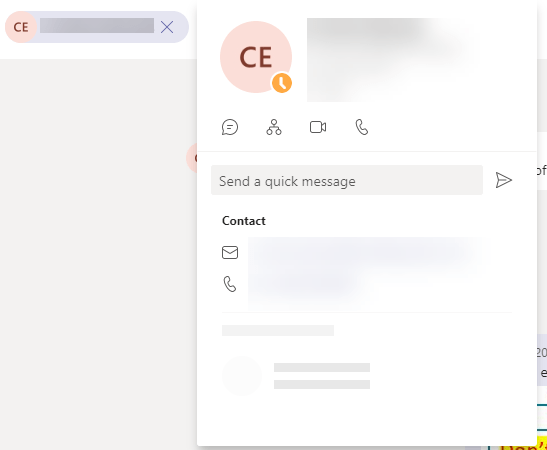
You can have users add their own profile picture by editing their own profile at office.com or IT can do it centrally.
Ensure users titles and Management structure are correct in Active Directory
Office 365 makes the org chart available via the contact card in various Teams apps, this is a great way to understand the organisation and how people relate to each other in terms of teams and reporting structure. Ensure this is accurate to make it easier for people to understand the organisational structure.

Drive connections across the organisation
I am personally a huge believer in the power of enterprise social. I have already written a blog on this, so I won’t repeat myself, but I believe this is more important than ever.
6 reasons you should have a workplace social network like Yammer
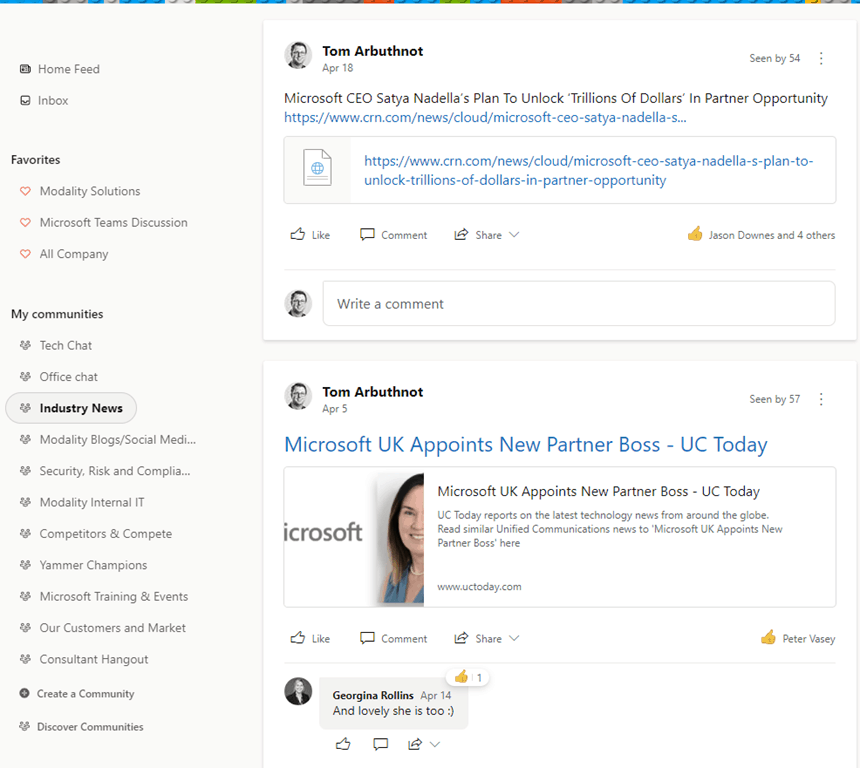
A big key to adoption here is real use and engagement from managers and leaders.
Note Teams is not Yammer and Yammer is not teams. You can even have Yammer as an app in teams to bring it more front and centre for people.
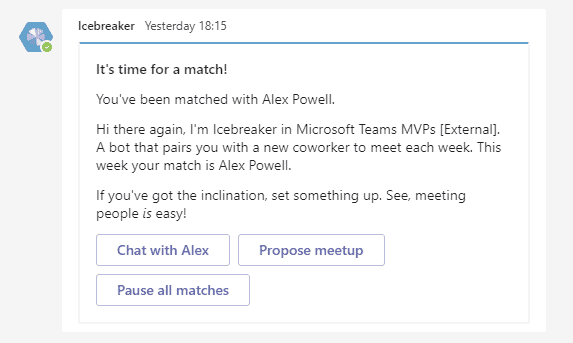
Teams also has Icebreaker bot that helps your team get closer by pairing two random team members up every week to meet. The bot makes scheduling easy by automatically suggesting free times that work for both members. This is a great way to encourage people to network outside their immediate team
Keep everyone updated regularly
Organisational news, market news, wins, people news, it’s all really important. People consume information in different ways, so ideally you would use multiple methods, but approaches might include:
Email – the classic approach, not great for maintaining a history, often won’t get read. If using email invest in people who can write well (note, “well” is a measure of how engaged people are, not how formal their writing is).
“Town halls” / “All hands” – Teams will now host up to 1000 people in a meeting, and overflow to a view-only experience for up 20,000 more. Remember to use video and record, also polls and reactions are useful for interactive feedback.
SharePoint Intranet – Anther classic, now with the added power of Viva Connections
Yammer – my preference, as it gives the option to simply drive replies and engagement, not just “broadcast”
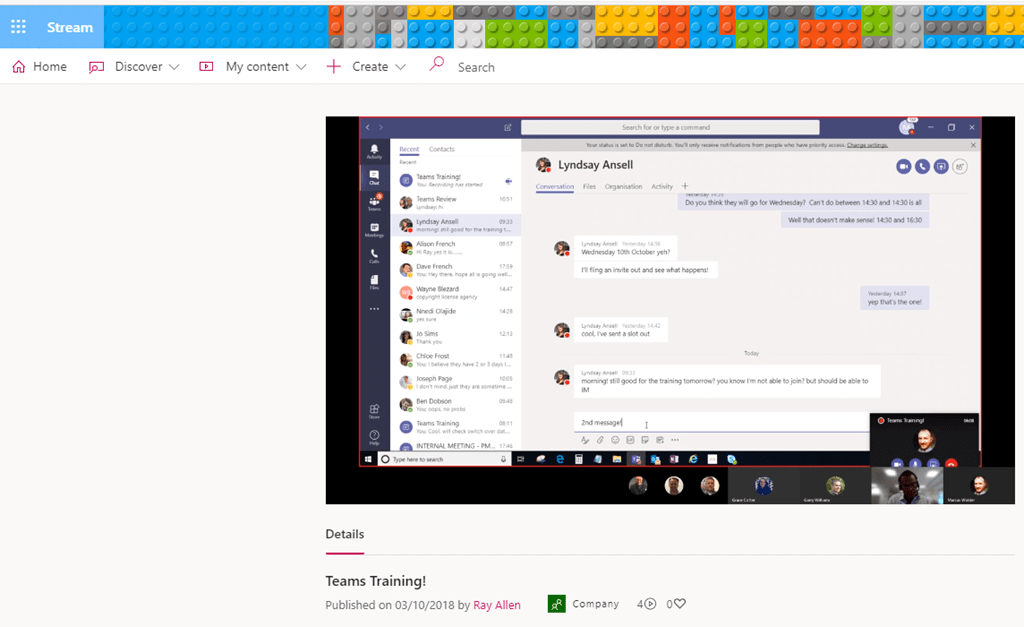
Stream – Video is a strong favourite of mine, Steam videos can be added to/imbedded in Yammer, SharePoint and even Email
Viva Connections can bring “the modern internet” complete with news, videos and Yammer, directly into Microsoft Teams
Leverage Video to better engage
With Teams and Stream, video communications don’t need a formal studio and super-high production values, in fact, overly formal “high production value” videos come off as less authentic.
To get the most out of Stream it will need some curation into “channels” and playlists.
Gather feedback and ideas
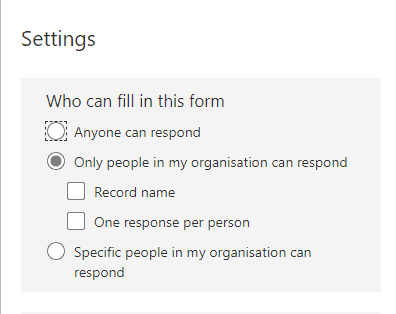
Office 365 Forms allow you to create quick and simple forms to gather ideas and feedback. Useful to gather topics for an all-hands for example. they can also be used for a “Quiz”.

You can also choose not to record who completes the form to encourage honest feedback
Recognise and celebrate achievement
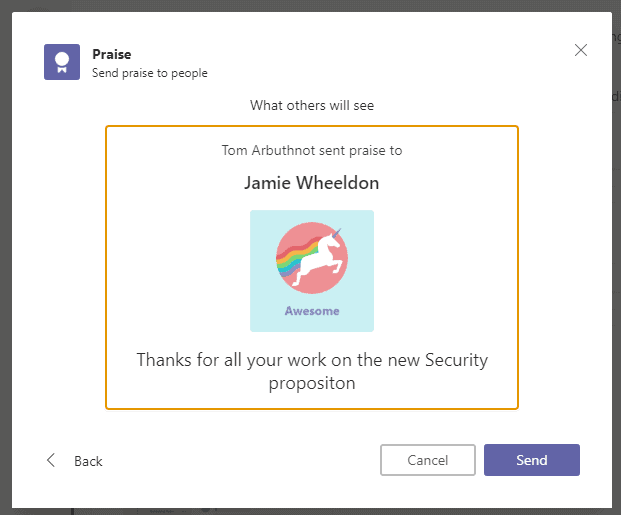
Giving people a platform to praise and recognise each other can be really powerful, both Yammer and Teams have praise options. These allow you to recognise people out loud.

LinkedIn also has a “Kudos” option which can be a great way to recognise people beyond organisational boundaries and in a more public setting

Training and Learning
With all the new tooling and options in Office 365, training and learning has never been more important, and thanks to many online learning platforms it has never been more accessible.
Teams is great for live training and Stream can provide a great training video store.
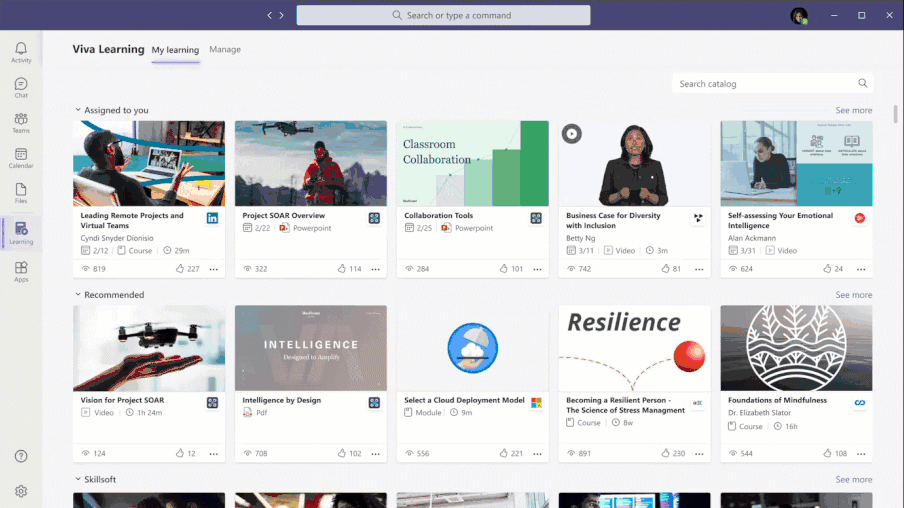
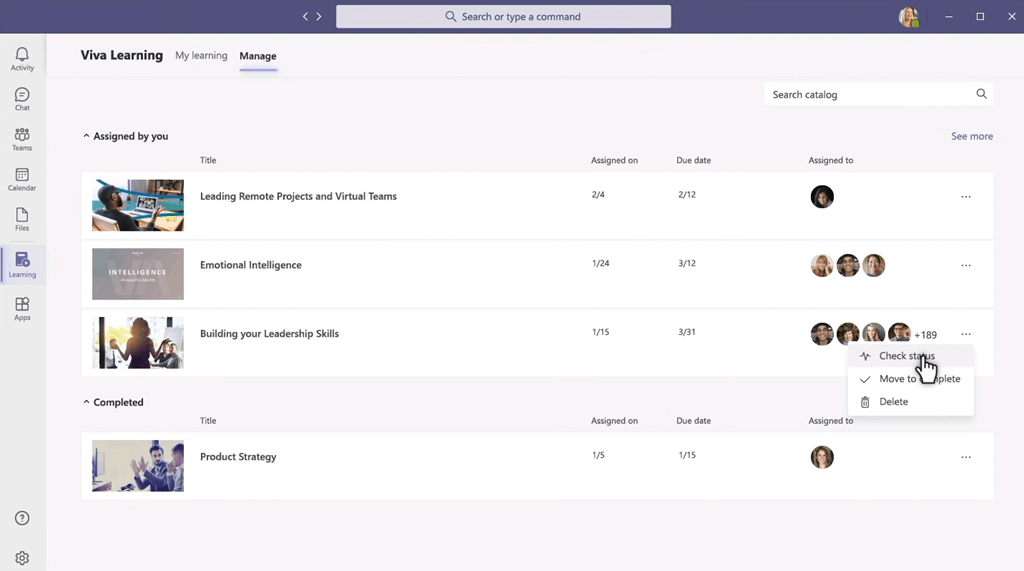
Soon, Viva learning will offer an enterprise learning platform that surfaces first and third party training content to employees in Teams.
Measure Adoption and Engagement
Microsoft 365 Usage Analytics gives Power BI reports provide great insight into the usage and adoption of Office 365. The majority of the reports display data for the previous 12 months
In this context of measuring engagement and culture, Yammer reporting is particularly useful.

There are also some useful basic usage reports in the Office 365 admin portal, but these are more technology-focused.
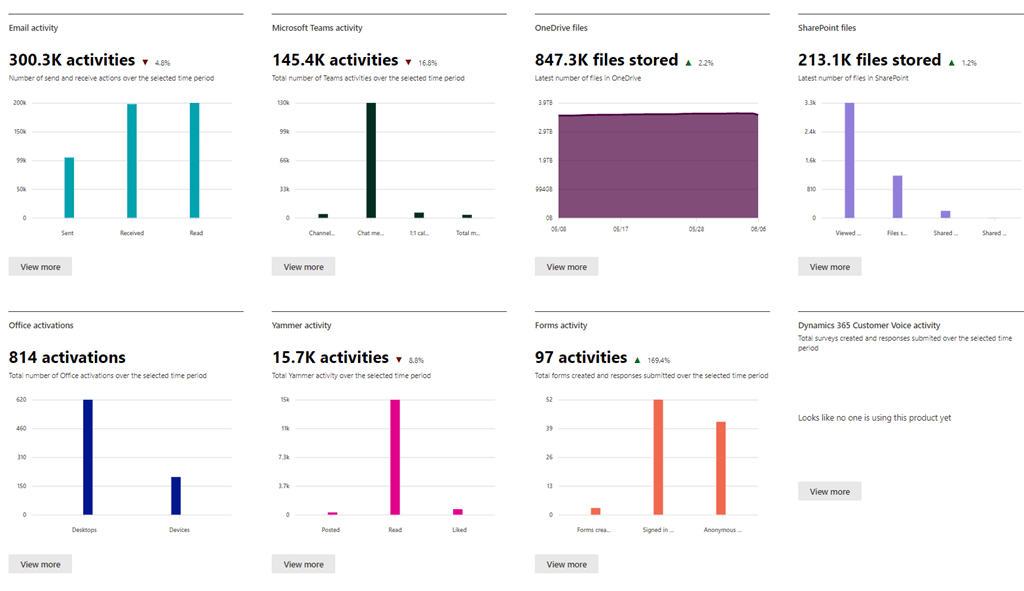
The organisation also has an “Office 365 Productivity Score” which can give an interesting view of adoption and engagement. This must be enabled by a global admin and can be viewed at https://portal.office.com/adminportal/ by users with the various IT admin roles


If you want to go deeper, Viva Insights provides Personal and Organisational productivity reporting and tips, building on Workplace Analytics and MyAnalytics but also pulling insights from third-party platforms like Zoom, Workday, and SAP.
There is a free level of Viva insights, but for the real power, with manager insights and the organizational view, you need a Workplace Analytics licence, which in the future will be renamed as Viva Insight licence. Plans for Workplace Analytics list at $2 per seat/per month for Microsoft 365 Enterprise E5 subscriptions and list $6 per seat/per month if adding to any other licence level.
I’m sure I have missed some great tools and ideas, please let me know in the comments and I will update the article.
Be First to Comment