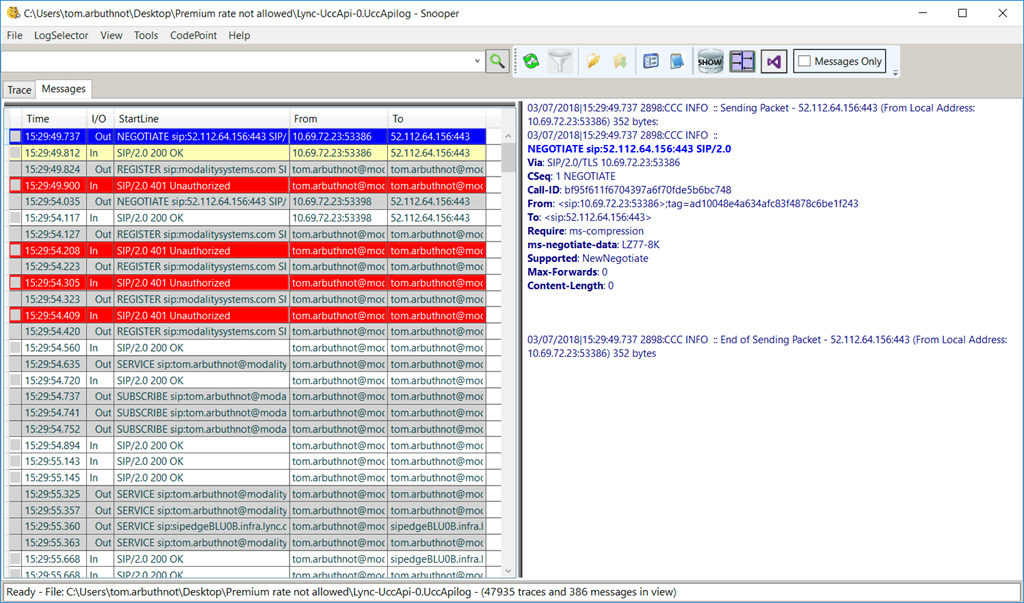
Sometimes you want to troubleshoot from client side, particularly on Skype for Business Online.
For the 2016 client, client logs are stored in: %LOCALAPPDATA%\Microsoft\Office\16.0\Lync\Tracing\
If you are recreating a scenario, you can exit SFB client and Outlook and delete the folders in this scenario
The OCAddin files relate to the Outlook Add in and won’t delete unless you run outlook
You can then run SfB and it will generate the logs for your scenario.

You can view the SIP Trace in Snooper, which can be downloaded as part of the Skype for Business Sever Debugging tools: https://www.microsoft.com/en-us/download/details.aspx?id=47263
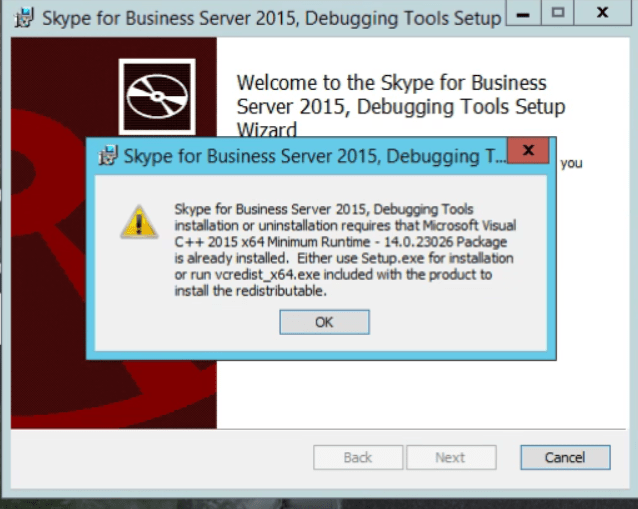
You will need a particular version of Visual C++ to install the tools.Download it here: https://www.microsoft.com/en-au/download/details.aspx?id=48145 – note you need this exact version, higher versions will block the install of the tools.
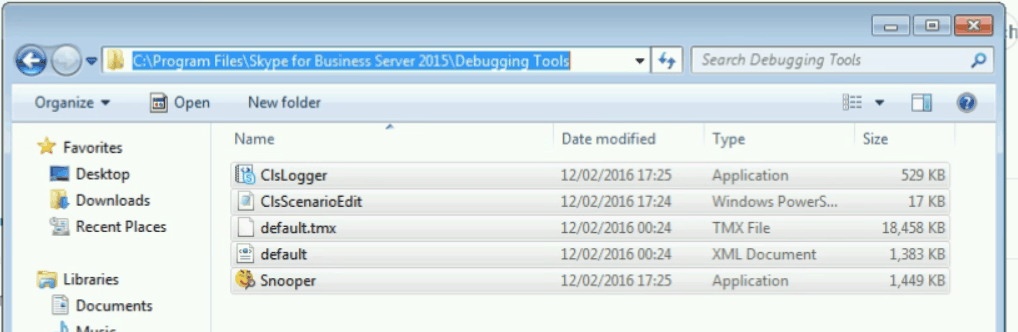
They will be installed to:
Once you have them installed you can open Lync-UccApi-0.UccApilog and see the snooper SIP log.
[…] How to Gather and View Client Side Traces on Skype for Business Client […]
It would not install on my Windows 10 PC. So I unzipped the msi and just ran filesnooper.exe.