
For some reason this feature got buried a bit in the Skype for Business client under the present/more sub menu
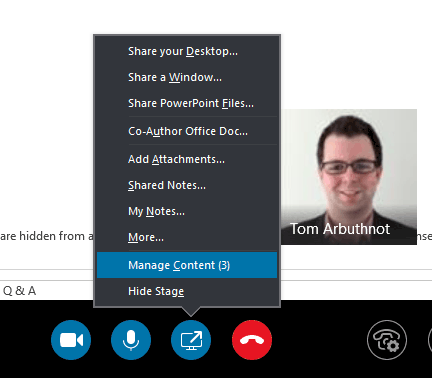
in a meeting or user to user session click the present icon
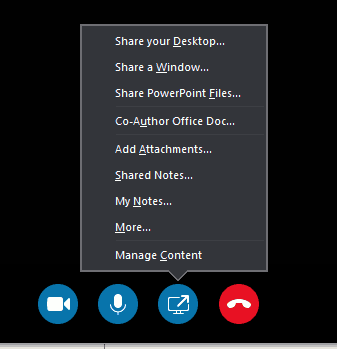
Then click More…

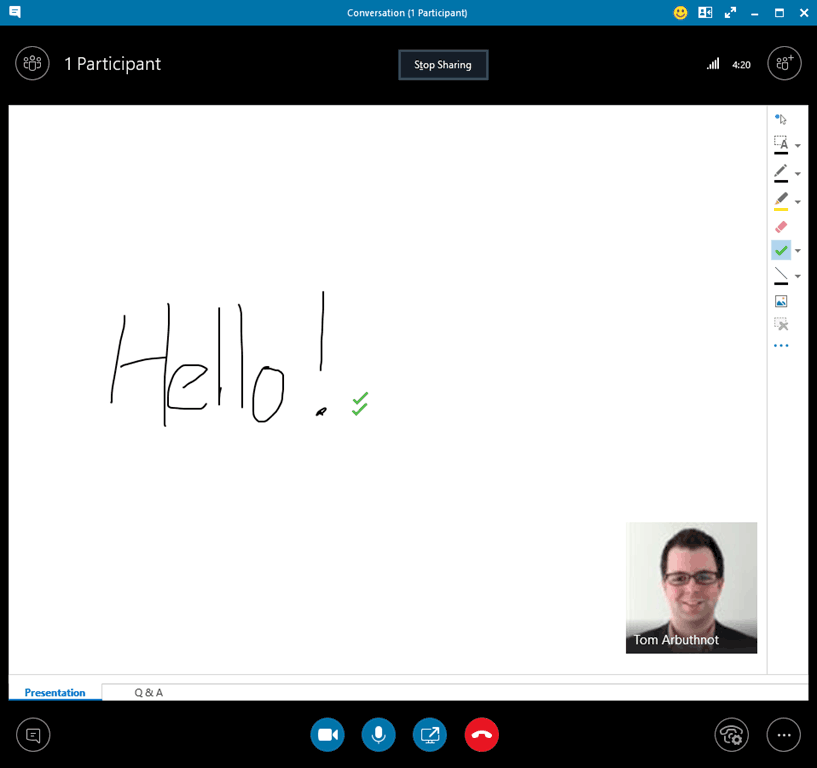
Then choose

Whiteboard:
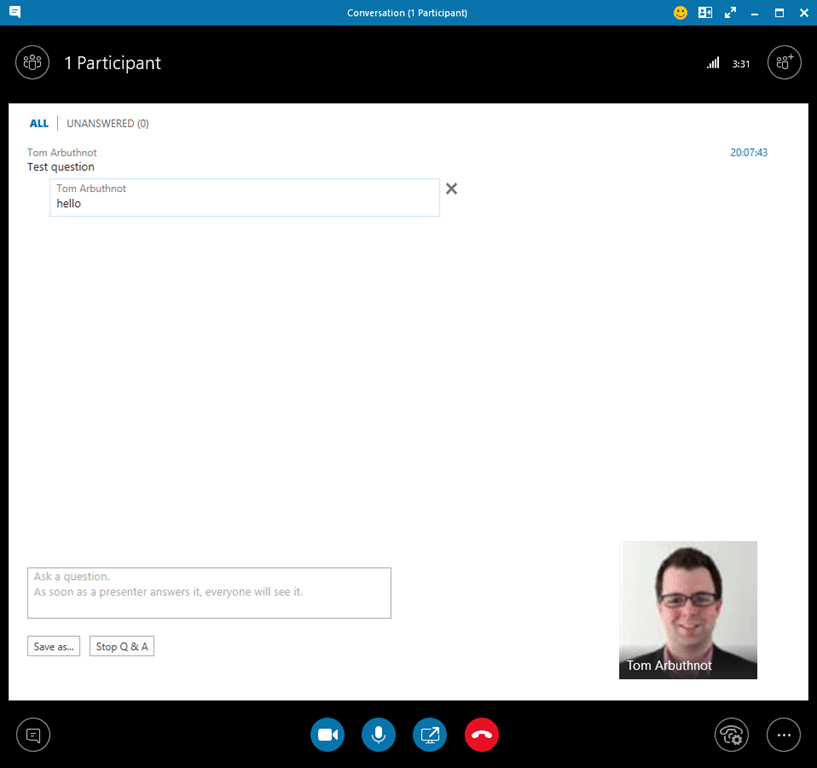
Question and Answer
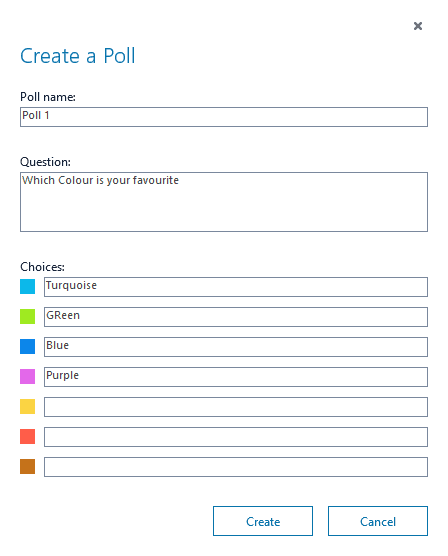
Poll

And you can use Manage Content to flip between what you are presenting:

Be First to Comment