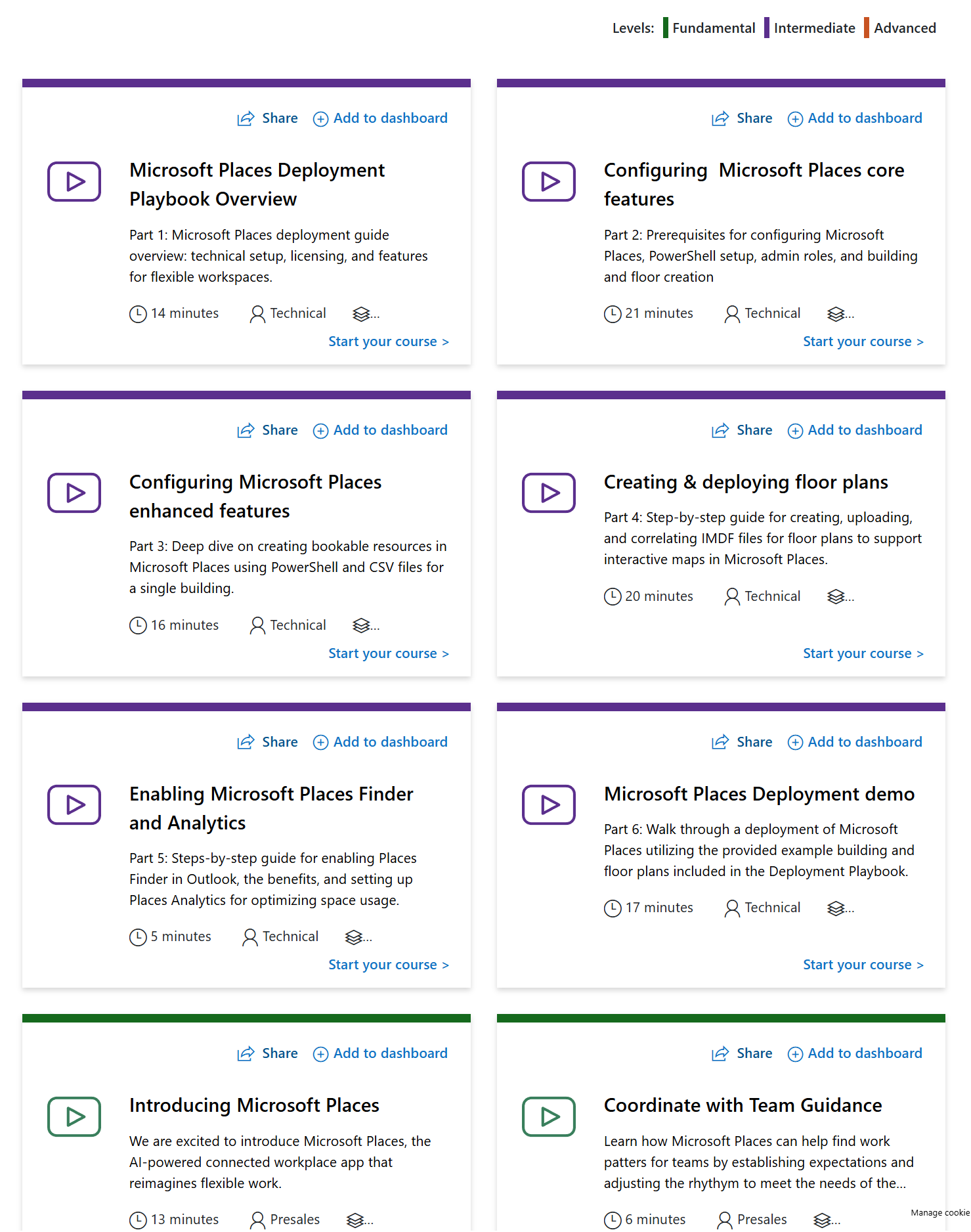
There is a new Microsoft Places learning path for partners. Some Places features are included in Office 365 core, and Premium Places features are part of the Microsoft Teams Premium licence.
Access all the training free as a Microsoft partner here: https://readiness.transform.microsoft.com/learning-path/fe099c37-8988-4537-b4bc-a53ff7516cfb
Beginner Microsoft Places Training
Here’s the list of training videos with their titles and descriptions:
Introducing Microsoft Places
- Introducing Microsoft Places, the AI-powered connected workplace app that reimagines flexible work.
- Duration: 13 minutes | Level: Fundamentals
Coordinate with Places Finder
- Learn about Places Finder to make desk or room booking decisions with additional data like images of the space, floorplans, and in-room technology.
- Duration: 22 minutes | Level: Fundamentals
Coordinate with Team Guidance
- Learn how Microsoft Places can help find work patterns for teams by establishing expectations and adjusting the rhythm to meet the needs of the group.
- Duration: 6 minutes | Level: Fundamentals
Modernize with Workplace Presence
- Learn about Workplace presence to help build connections by understanding when you’re in the office and who’s around.
- Duration: 12 minutes | Level: Fundamentals
Optimize with Space Analytics
- Learn about Space insights such as utilization data, occupancy trends, and more to understand effectiveness and engagement across your workplace.
- Duration: 38 minutes | Level: Fundamentals
Intermediate Microsoft Places Training
Here’s the list of training videos with their titles and descriptions:
Microsoft Places Deployment Playbook Overview
- Overview of technical setup, licensing, and features for flexible workspaces.
- Duration: 14 minutes | Level: Intermediate
Configuring Microsoft Places enhanced features
- Deep dive on creating bookable resources in Microsoft Places using PowerShell and CSV files for a single building.
- Duration: 16 minutes | Level: Intermediate
Configuring Microsoft Places core features
- Prerequisites for configuring Microsoft Places, including PowerShell setup, admin roles, and building and floor creation.
- Duration: 21 minutes | Level: Intermediate
Creating & deploying floor plans
- Step-by-step guide for creating, uploading, and correlating IMDF files for floor plans to support interactive maps in Microsoft Places.
- Duration: 20 minutes | Level: Intermediate
Enabling Microsoft Places Finder and Analytics
- Steps-by-step guide for enabling Places Finder in Outlook, benefits, and setting up Places Analytics for optimizing space usage.
- Duration: 5 minutes | Level: Intermediate
Microsoft Places Deployment demo
- Walk through a deployment of Microsoft Places utilizing the provided example building and floor plans included in the Deployment Playbook.
- Duration: 17 minutes | Level: Intermediate
Be First to Comment